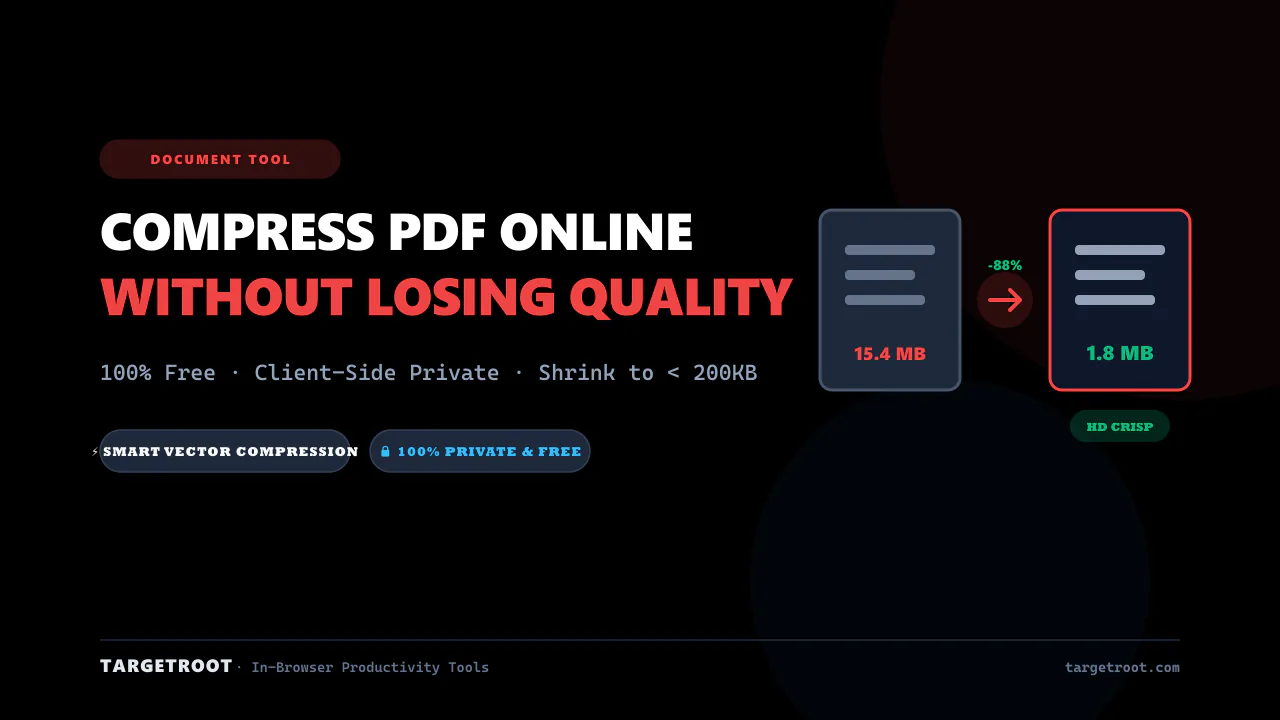
How to How to Compress PDF Online Without Losing Quality in Under 1 Minute
Need to solve this immediately without installing heavy desktop software or risking your private files on third-party cloud servers? Follow these 3 simple steps:
Head to the TARGETROOT Compress PDF Online in your web browser.
Drag and drop your file. Select your desired settings with real-time feedback.
Click Process and download your finished file immediately with zero watermarks.
Why You Need an Efficient Solution in 2026
Whether you are submitting documents to university portals, applying for jobs, filing tax returns, or transmitting customer reports, strict size and format constraints can halt your workflow unexpectedly.
Traditional methods are plagued with frustrating hurdles: expensive monthly subscriptions like Adobe Acrobat Pro, confusing command-line utilities, or shady free online converters that upload your confidential records to unknown remote servers.
100% Client-Side Privacy
Files are processed entirely within your computer or phone browser memory. Your documents never leave your device.
Blazing Fast Execution
Zero upload and download lag. No waiting in cloud queues or receiving slow email links to fetch your documents.
Free & Unlimited
No credit card forms, no 2-file daily caps, and no intrusive watermarks stamped across your work.
Step-by-Step Walkthrough: The Simplest Method
Upload Your Document Directly
Drag your file from your desktop into the upload box on our Compress PDF Online. You can also click the browse button to select files from your mobile storage or folder.
Customize Your Parameters
Fine-tune options according to your requirements. All adjustments update instantly in real time with interactive previews so you know exactly how the final output will look.
Download and Use Instantly
Click Download to save the processed file. Your output is clean, properly formatted, and ready for official submissions, email attachments, or web publishing.
Comparison: TARGETROOT vs. Cloud Converters vs. Desktop Software
See how client-side web tools compare against alternative workflows:
| Feature / Metric | TARGETROOT | Standard Cloud Converters | Desktop Software (Acrobat) |
|---|---|---|---|
| Privacy & Security | 100% In-Browser (Zero Uploads) | Uploaded to Cloud Servers | Local (Requires Installation) |
| Price | 100% Free Forever | Freemium (Daily Limits) | $19.99 - $29.99 / month |
| Device Compatibility | Mobile, Mac, PC, Chromebook | Web Browser | Windows & macOS Only |
| Processing Speed | Instant (No Upload Latency) | Slow (Subject to Bandwidth) | Fast |
| Account / Login | Not Required | Often Required | Mandatory Account Setup |
Pro Tips for Best Results
💡 Optimize Before Uploading
If your documents contain high-resolution camera scans, using dedicated tools like our PDF Compressor or Image Compressor can reduce total payload size by over 80% without visible degradation.
⚡ Always Verify File Constraints
Most online portals reject files exceeding 2MB or 500KB. Keep your outputs under the target ceiling to prevent submission timeout errors.
Frequently Asked Questions (FAQ)
Q: How can I reduce a PDF file size without losing text and image clarity?
By utilizing smart vector-preserving compression. TARGETROOT Compress PDF strips duplicate font definitions, optimizes high-resolution embedded raster images, and cleans unreferenced PDF metadata while keeping text crisp and sharp.
Q: Is it safe to compress confidential PDFs online?
Traditional online compressors upload your sensitive documents to remote third-party cloud servers, posing data privacy risks. TARGETROOT operates 100% in your local browser using client-side WebAssembly — your PDF never leaves your device or gets transmitted over the internet.
Q: What is the maximum file size limit for government and university portals?
Most portals (like UPSC, SSC, university admissions, and visa applications) enforce strict 100 KB to 2 MB limits. Our tool lets you reduce multi-megabyte PDFs to under 200 KB in seconds with one click.
Q: Do I need Adobe Acrobat Pro to shrink PDF files?
No. While Adobe Acrobat Pro costs over $20/month, TARGETROOT provides unlimited, fast, and free PDF compression directly in your browser with zero subscription or registration required.
More Free Tools on TARGETROOT
Streamline your productivity with our collection of 100% private, client-side web tools.
JSON to XLSX Converter
Convert JSON to XLSX online for free. Paste JSON or upload files to create Excel spreadsheets instantly. Fast, secure, browser-based, and no signup required.
JSON to CSV Converter
Convert JSON to CSV online for free. Paste JSON or upload a JSON file to generate clean CSV files instantly. Fast, secure, browser-based, and no signup required.
Image Compressor
Compress JPG, PNG, WebP, GIF, SVG, AVIF, and HEIC images online while preserving quality. Reduce image size instantly for websites, email, government forms, social media, and more. Free, private, no signup.
Was this article helpful?
Your feedback helps us create better content.