Related Articles
View All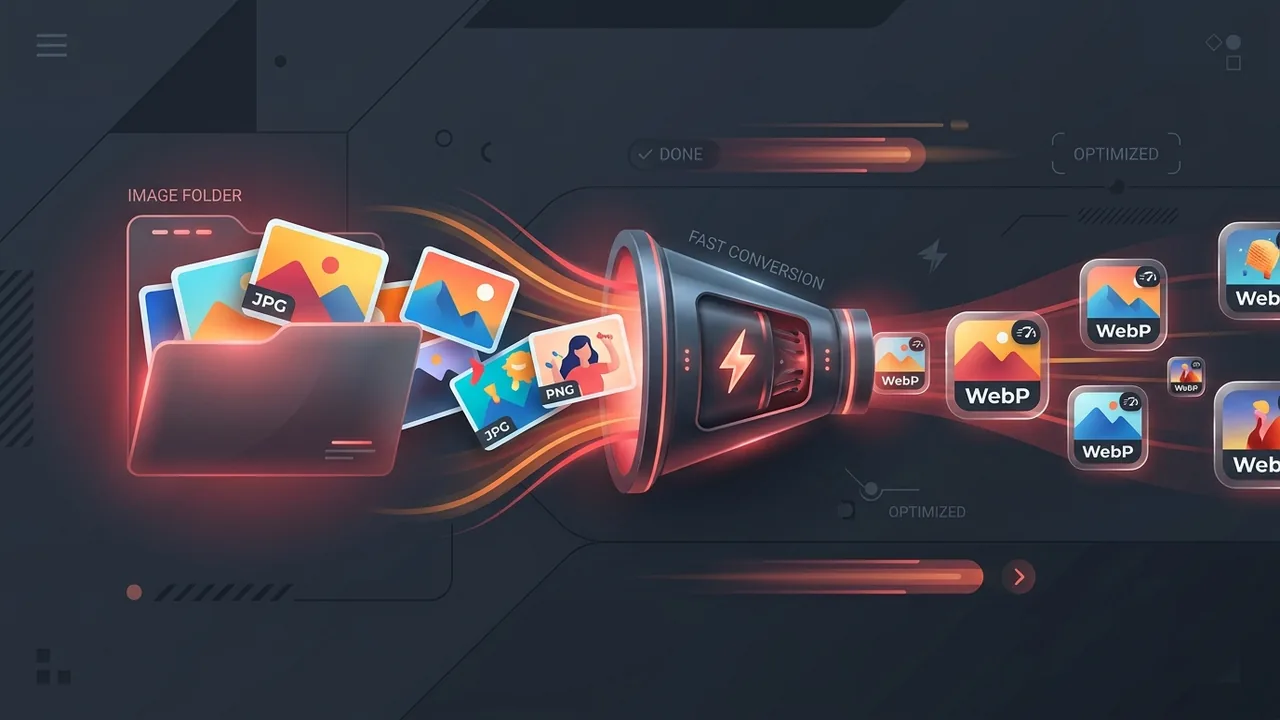
Aug 31, 20268 min read
How to Convert an Entire Folder of Images to WebP in 1 Minute (Batch Conversion Guide)
Learn how to batch convert an entire folder of JPG, PNG, and HEIC images to WebP in under 1 minute. Discover free browser-based tools, PowerShell, Mac Automator, and Python scripts with zero quality loss.
Read Article
Aug 15, 20267 min read
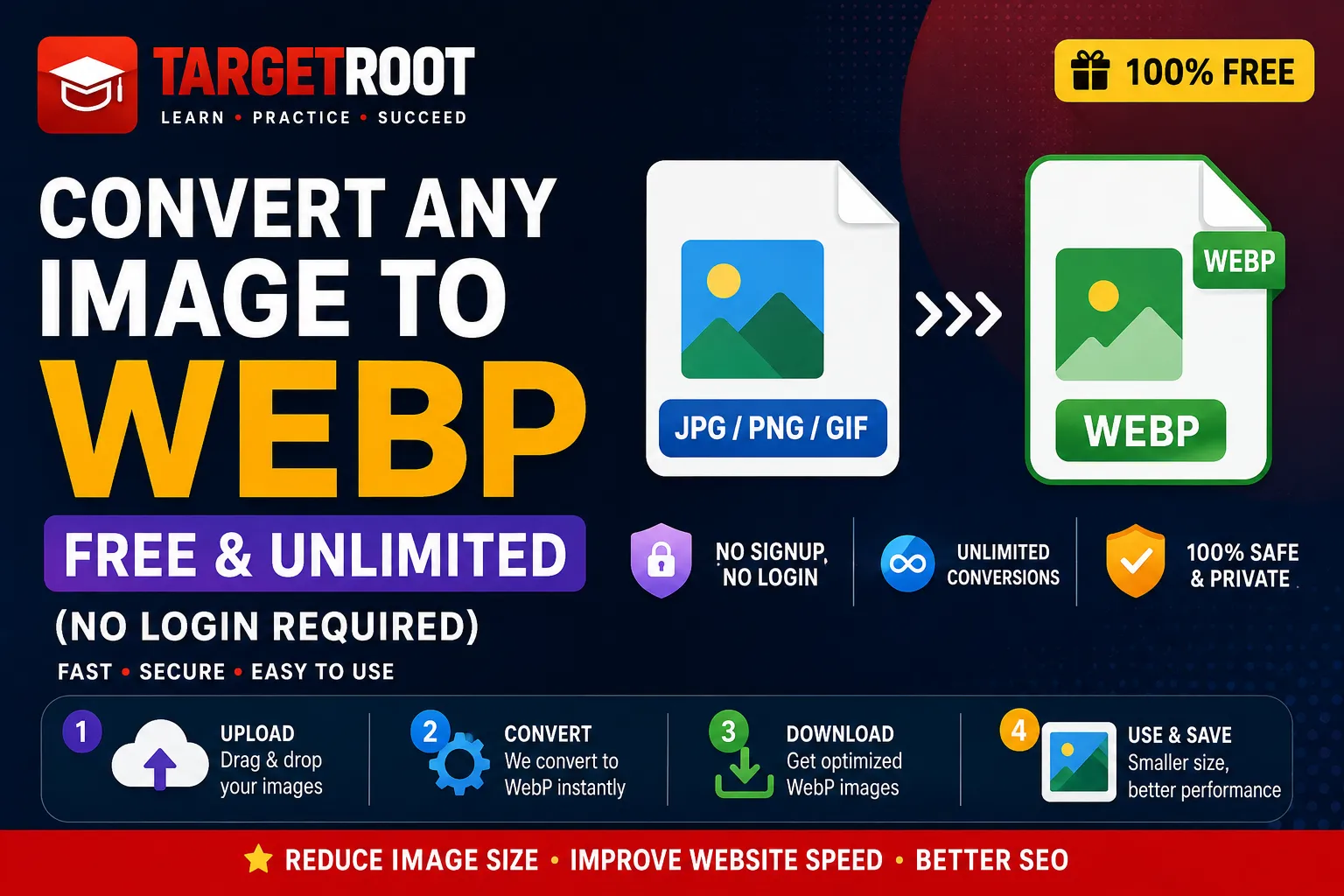
Convert Any Image to WebP Free & Unlimited (No Login Required)
Looking to convert JPG, PNG, GIF, SVG, ICO, BMP, or AVIF to WebP for free without daily limits or signups? Discover how to convert any image to WebP instantly in your browser with zero quality loss and complete privacy.
Read Article

Aug 15, 20268 min read
The Ultimate Guide to Free AI Video Generators in 2026
Looking for the best free AI video generator? We test and compare Canva, Kling AI, InVideo, HeyGen, and top text-to-video tools to reveal what's truly free, watermark limits, credit caps, and hidden catches.
Read Article