Download Image from Link
Client-Side PrivacyDownload images from any link or URL online for free. Paste an image link from websites, CDNs, or blogs to inspect dimensions, convert to JPG, PNG, WebP, or AVIF, and save instantly with no loss in quality.
Quick Features
- Direct image extraction from any public HTTP or HTTPS web link
- Universal media compatibility across popular photo formats and CDNs
- Multi-format conversion engine: download as JPG, PNG, WebP, or AVIF
- Resolution resizing presets: Original, 1080p Full HD, 720p HD, 480p, 1:1 Square
- Adjustable compression quality slider (10% to 100%) for optimal file weight
- In-browser photo editor: crop presets, 90° rotation, horizontal flip, and brightness/contrast adjustments
- Local file dropzone support for uploading existing image files directly
- Direct cross-linking to Targetroot Image Compressor, Universal Converter, and Enhancer
How to use Download Image from Link
Paste Image URL
Copy the direct link or image address from any website, CDN, or photo host, and paste it into the URL input box.
Inspect Image & Dimensions
Our tool verifies the remote link, retrieves the image, and displays full resolution details, aspect ratio, and format.
Select Format & Resizing Options
Choose your target output format (JPG, PNG, WebP, AVIF), adjust compression quality, or select a resolution preset like 1080p or 1:1 square.
Download or Copy to Clipboard
Click Download to save the converted image directly to your device, or copy the image bytes directly to your clipboard for design apps.
Why choose this tool
- Completely free — no signup or hidden limits
- Runs 100% in your browser — your data stays private
- Instant results, no downloads or installs
- Works on any device with a modern browser
Common Use Cases
- Web Developers & Designers: Download assets from staging servers or external CDNs without opening DevTools
- Marketers & Content Creators: Save high-res graphics and promotional visuals from partner sites
- E-Commerce Managers: Extract product images from supplier catalogs and convert them to modern WebP
- Students & Researchers: Collect and archive figures, diagrams, and illustrations from web articles
- Social Media Managers: Reformat and resize web photos into 1:1 square or 16:9 banner formats
How to Copy a Direct Image Link from Any Website
To download an image using a link, you need the direct URL pointing to the image file rather than the HTML webpage URL. Here is how to locate it on common platforms:
- Desktop Chrome / Edge / Firefox: Right-click on the image and select 'Copy Image Address' or 'Copy Image Link'.
- Safari (macOS): Right-click on the image and choose 'Copy Image Address'.
- Mobile (iOS / Android): Long-press on the image in your browser and tap 'Copy Image' or 'Open Image in New Tab' to copy the URL bar.
- Social Media & CDNs: If an image is inside an embedded player, right-click and choose 'Inspect' or look for image sources ending in .jpg, .png, .webp, or .avif.
Safe, Secure, and Private Image Downloading
Targetroot is engineered with privacy and security at its core. When you save or convert images using our link downloader, your connection is fully protected via modern encrypted web protocols. We do not maintain databases of downloaded media, track user history, or store any personal photos on our infrastructure. You get direct, high-speed access to your visual assets with complete confidence and confidentiality.
Choosing the Right Output Image Format
Depending on where you plan to use your downloaded image, selecting the appropriate file format is essential for balancing visual fidelity and web speed:
| Format | Compression | Transparency | Browser Compatibility | Recommended For |
|---|---|---|---|---|
| JPG / JPEG | Lossy (Adjustable) | No | 100% (Universal) | Photographs, complex color gradients, social media posts |
| PNG | Lossless | Yes (Alpha) | 100% (Universal) | Logos, screenshots, graphics with sharp lines and transparency |
| WebP | Lossy & Lossless | Yes | 97%+ (All Modern Browsers) | Modern websites, blog banners, 30% smaller than JPG |
| AVIF | Next-Gen Lossy | Yes | 93%+ (Chrome, Firefox, Safari) | Cutting-edge web performance with ultra-low bandwidth |
Technical Details
Frequently Asked Questions
How do I download an image using its URL?
Simply paste the direct URL of the image into the input field above and click 'Fetch Image'. Our tool will retrieve the image, show you a full preview with dimensions and file type, and let you download it in your chosen format (JPG, PNG, WebP, AVIF).
Can I convert the image from the link to another format?
Yes. Once the image is fetched, you can convert it to JPG, lossless PNG, WebP, or AVIF with a single click. You can also adjust the compression quality slider to reduce the file size.
Why does an image link sometimes fail to load?
If an image link fails to load, it usually means the link points to an HTML webpage instead of a direct image file, the image has expired or requires authentication/login, or the server blocked automated requests. In such cases, right-click the image, choose 'Save As' to download it to your device, and drop it into our 'Upload File' tab.
Can I resize the image before downloading it?
Yes. You can select standard resolution presets (1080p Full HD, 720p HD, 480p, 1:1 Square) or keep the original dimensions. The aspect ratio is automatically preserved.
Is this tool safe and private?
Yes, Targetroot processes your images client-side in your browser. We do not store, catalog, or share your images or URLs on any database. Your work remains 100% private.
Explore Related Tools & Guides
Image Compressor
Compress JPG, PNG, WebP, GIF, SVG, AVIF, and HEIC images online while preserving quality. Reduce ima
YouTube Thumbnail Downloader
Download YouTube thumbnails in full HD 1080p, 720p, 480p, and SD for free. Extract thumbnails from Y
Image Enhancer
Enhance images with AI upscaling, sharpen, denoise, face enhancement, brightness, contrast, and satu
Universal Image Converter
Convert images between JPG, PNG, WebP, GIF, SVG, ICO, BMP, AVIF, and TIFF online for free. Batch con
JSON to XLSX Converter
Convert JSON to XLSX online for free. Paste JSON or upload files to create Excel spreadsheets instan
JSON to CSV Converter
Convert JSON to CSV online for free. Paste JSON or upload a JSON file to generate clean CSV files in
JSON Formatter & Validator
Format, beautify, and validate JSON instantly with our free JSON Formatter & Validator online. Paste
CSV to JSON Converter
Convert CSV data to JSON format instantly in your browser. Free online CSV to JSON converter with no
Related Tools
View AllImage Compressor
Compress JPG, PNG, WebP, GIF, SVG, AVIF, and HEIC images online while preserving quality. Reduce image size instantly for websites, email, government forms, social media, and more. Free, private, no signup.
YouTube Thumbnail Downloader
Download YouTube thumbnails in full HD 1080p, 720p, 480p, and SD for free. Extract thumbnails from YouTube videos, Shorts, and Live streams instantly, or capture custom frames from any video. Fast, browser-based, no login required.
Image Enhancer
Enhance images with AI upscaling, sharpen, denoise, face enhancement, brightness, contrast, and saturation — all in your browser. Free and private.
Universal Image Converter
Convert images between JPG, PNG, WebP, GIF, SVG, ICO, BMP, AVIF, and TIFF online for free. Batch convert mixed formats in your browser — 100% private, no upload, no signup.
Related Articles
View All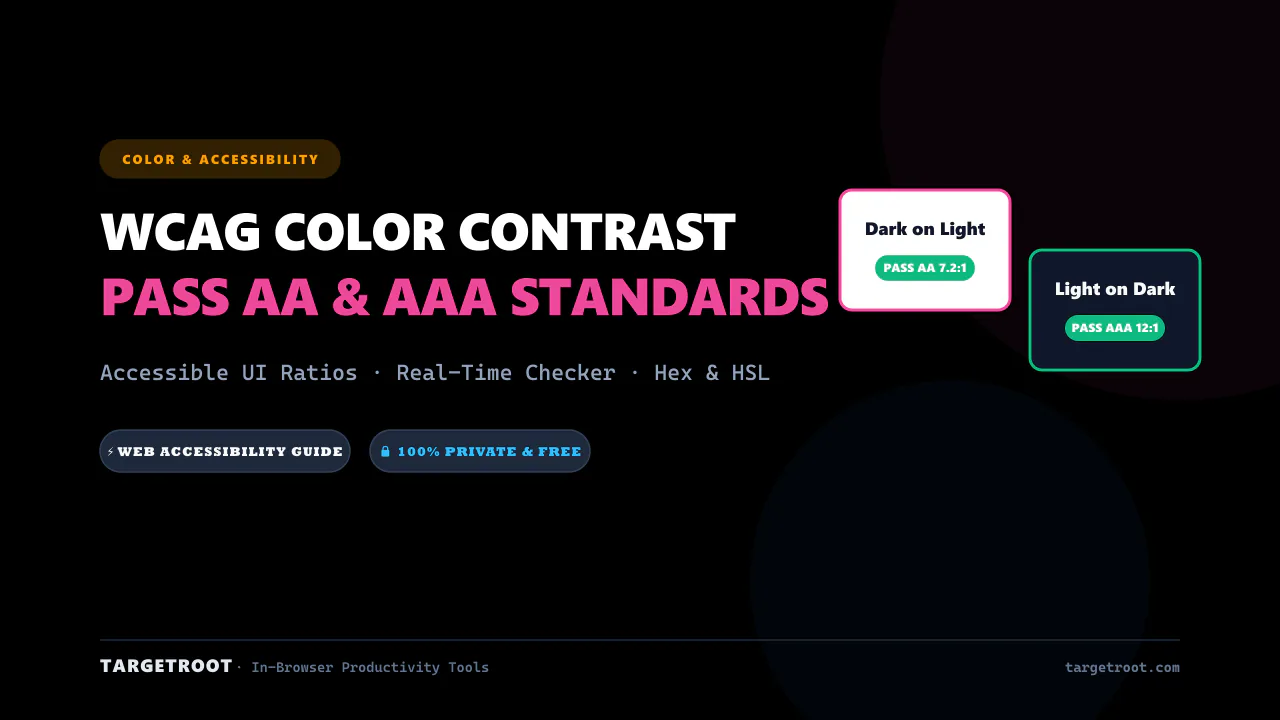
WCAG Color Contrast Guide for Designers: Pass AA & AAA Standards
Master web accessibility with our complete WCAG color contrast guide. Learn contrast ratios, pass AA/AAA standards, and ensure readable designs.
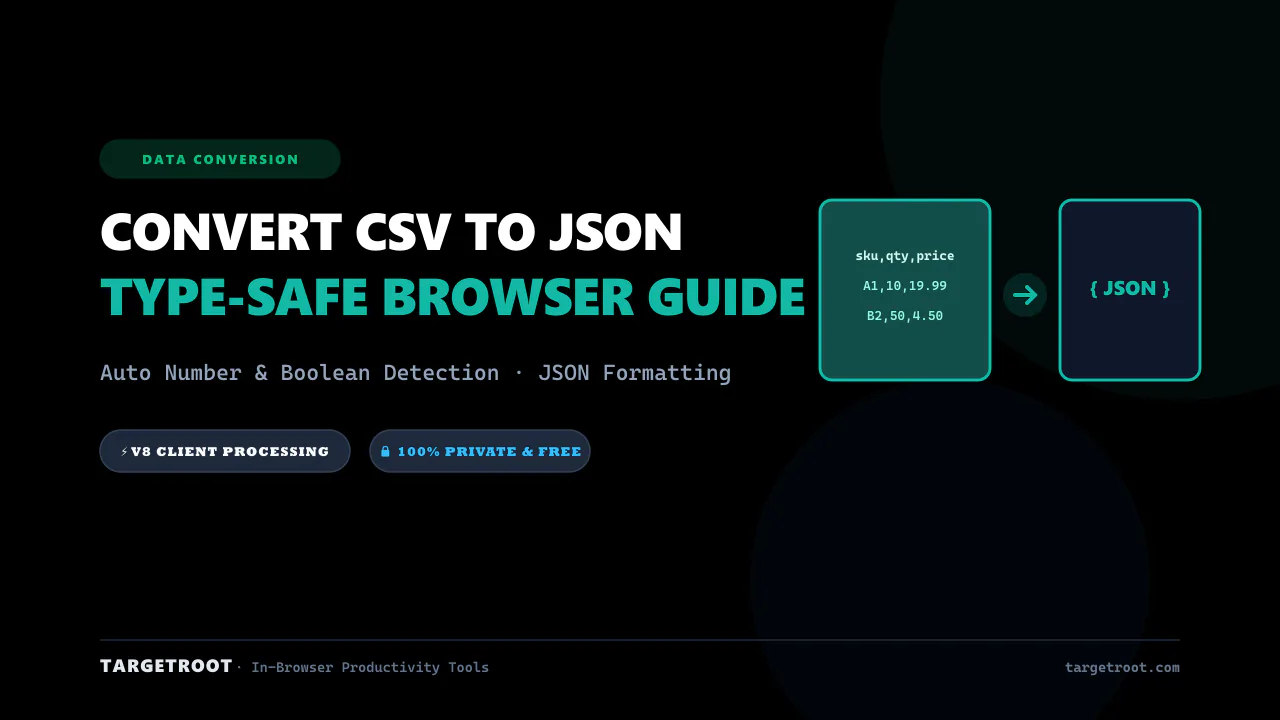
How to Convert CSV to JSON Online: Free, Instant & Type-Safe Guide
Convert CSV rows and spreadsheets into beautifully formatted JSON arrays in real-time. Zero server uploads, auto type detection.
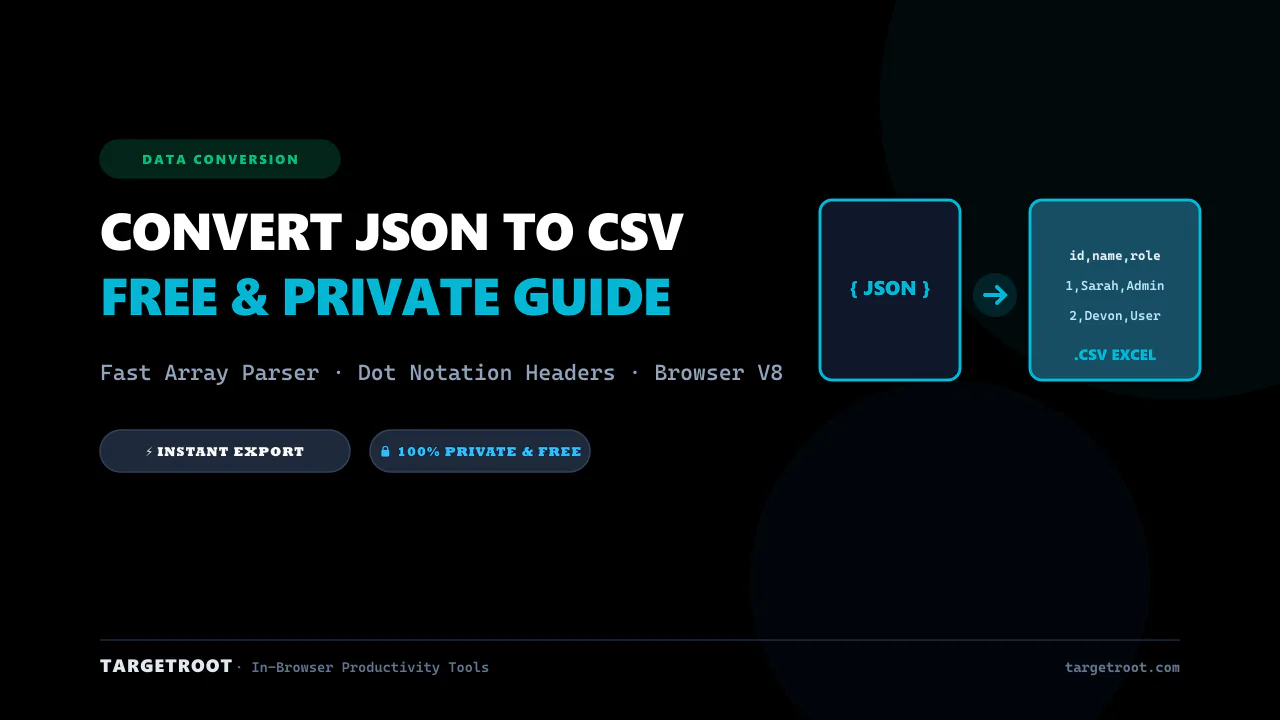
How to Convert JSON to CSV Online: The Ultimate Free & Private Guide
Turn complex JSON data, arrays, and API responses into clean CSV spreadsheets in seconds. 100% private in-browser conversion.