Split PDF File Online - Separate PDF Pages for Free
100% Client-Side PrivacySplit PDF files online for free. Extract specific pages, divide every page into separate documents, or split by custom ranges with instant ZIP download. 100% private, no signup.
Quick Features
- 3 versatile split modes: Selected Pages, Every Page, and Page Ranges
- Visual page thumbnail grid with one-click page selection
- Instant ZIP packaging for multi-page splits using JSZip
- Page range validation with automatic boundary checking
- Zero server uploads — 100% private and confidential
- No watermark, no registration, completely free
How to use Split PDF File Online - Separate PDF Pages for Free
Upload Your PDF
Drop your PDF file into the upload zone or browse from your device. Thumbnails will automatically generate.
Choose Split Mode
Select Mode A to pick individual pages, Mode B to split every single page, or Mode C to specify custom page ranges (e.g. 1-5, 6-10).
Download Extracted Files
Click Split PDF to process the document in seconds. Download your new PDF or complete ZIP archive.
Why choose this tool
- Completely free — no signup or hidden limits
- Runs 100% in your browser — your data stays private
- Instant results, no downloads or installs
- Works on any device with a modern browser
Common Use Cases
- Extract specific signed pages or certificates from a large document
- Split a multi-chapter book or manual into separate chapter files
- Break large scanned batches into single-page customer invoices
- Remove unwanted cover sheets and appendix pages
Technical Details
Frequently Asked Questions
How do I extract just one or two pages from a PDF?
Upload your file, stay on Mode A (Extract Selected Pages), click the thumbnails of the pages you want to keep, and click Extract Pages. A new PDF containing only those pages will download immediately.
How do I split every page into its own file?
Choose Mode B (Split Every Page) and click Split All Pages. The tool generates numbered single-page files (e.g. document_page_01.pdf) and provides a convenient ZIP download.
Can I split by custom intervals like 1-5 and 6-10?
Yes, select Mode C (Split by Page Range) and type your intervals separated by commas (e.g. 1-5, 6-10). The tool validates your numbers and packages each section.
Is my data stored or accessible to anyone?
No. The entire split process executes inside your browser memory using Web APIs. Nothing is transmitted over the internet.
Explore Related Tools & Guides
Merge PDF Files Online - Free PDF Combiner
Merge PDF files online for free. Combine multiple PDFs in the order you want with the easiest PDF me
Compress PDF Online - Reduce PDF File Size for Free
Compress PDF files online for free. Reduce PDF size to 100kb, 200kb, or 500kb while maintaining cris
JSON to XLSX Converter
Convert JSON to XLSX online for free. Paste JSON or upload files to create Excel spreadsheets instan
JSON to CSV Converter
Convert JSON to CSV online for free. Paste JSON or upload a JSON file to generate clean CSV files in
Image Compressor
Compress JPG, PNG, WebP, GIF, SVG, AVIF, and HEIC images online while preserving quality. Reduce ima
Image Enhancer
Enhance images with AI upscaling, sharpen, denoise, face enhancement, brightness, contrast, and satu
Universal Image Converter
Convert images between JPG, PNG, WebP, GIF, SVG, ICO, BMP, AVIF, and TIFF online for free. Batch con
JSON Formatter & Validator
Format, beautify, and validate JSON instantly with our free JSON Formatter & Validator online. Paste
Related Tools
View AllMerge PDF Files Online - Free PDF Combiner
Merge PDF files online for free. Combine multiple PDFs in the order you want with the easiest PDF merger. 100% private, client-side, no signup required.
Compress PDF Online - Reduce PDF File Size for Free
Compress PDF files online for free. Reduce PDF size to 100kb, 200kb, or 500kb while maintaining crisp text and quality. 100% private in-browser compression.
Related Articles
View All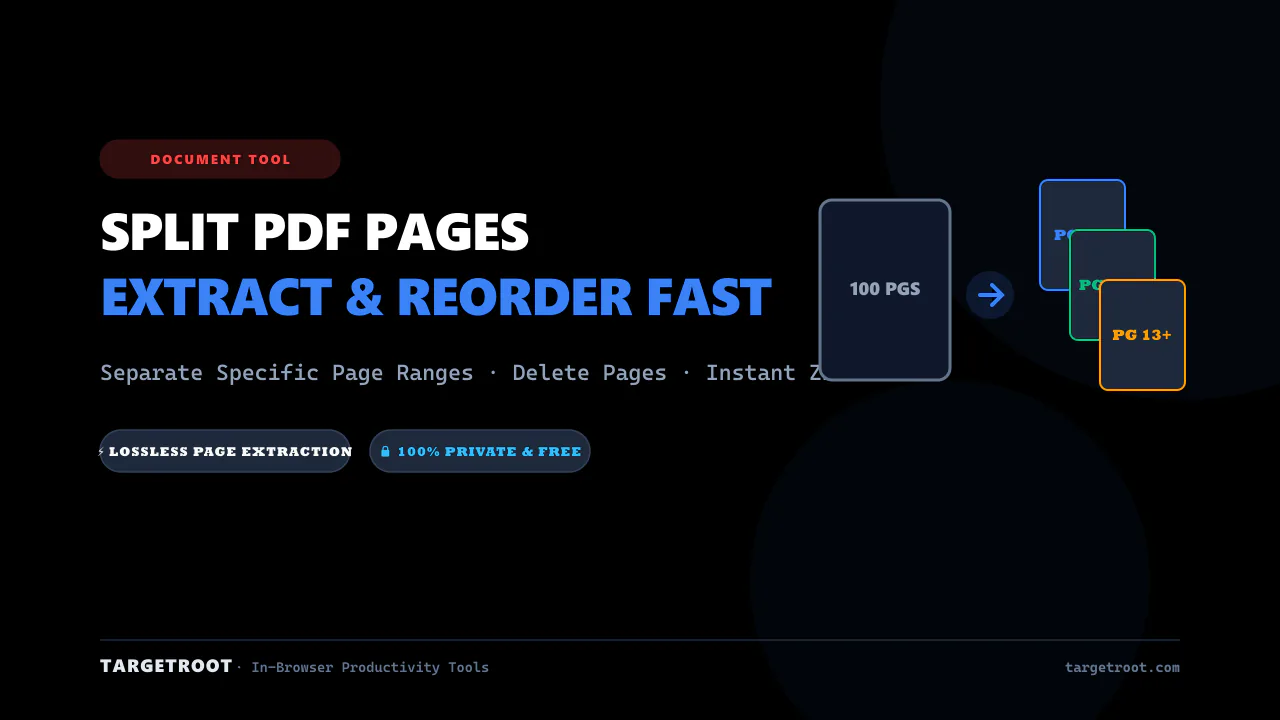
How to Split PDF Pages Online: Extract, Separate & Reorder for Free
Extract specific pages or separate large PDF documents into individual files effortlessly. Fast, client-side, zero server uploads, and completely free.
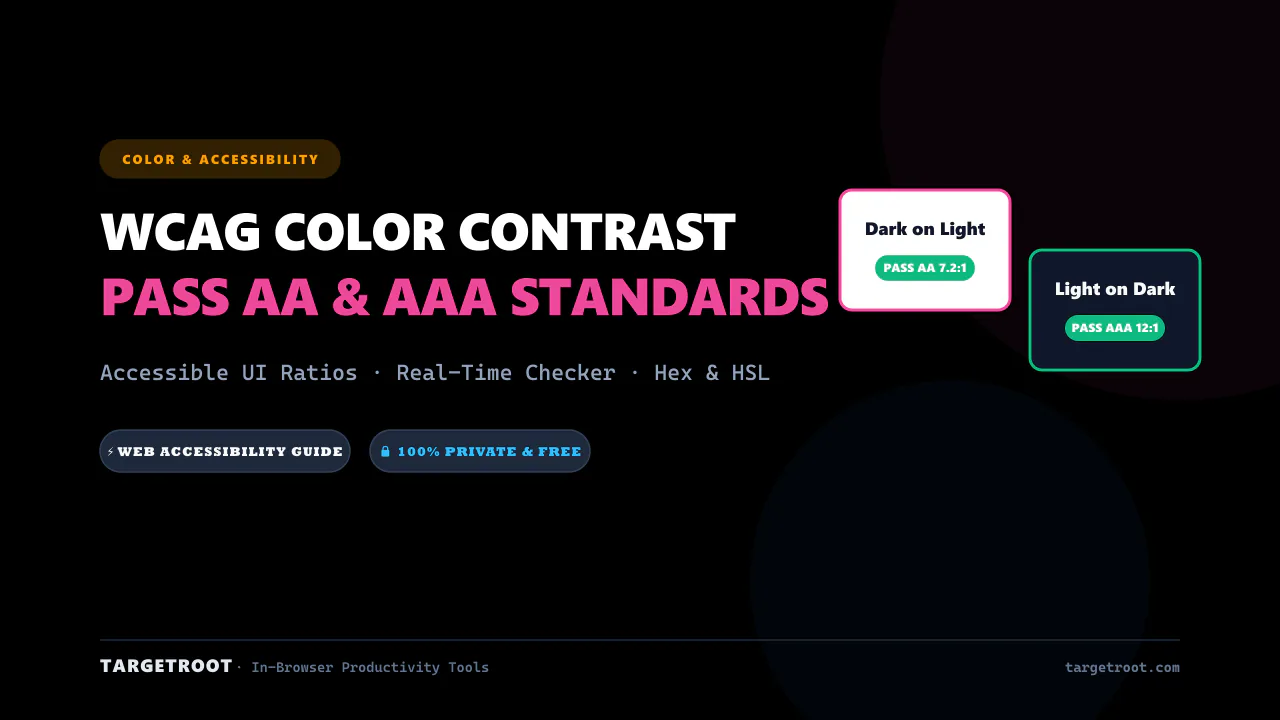
WCAG Color Contrast Guide for Designers: Pass AA & AAA Standards
Master web accessibility with our complete WCAG color contrast guide. Learn contrast ratios, pass AA/AAA standards, and ensure readable designs.
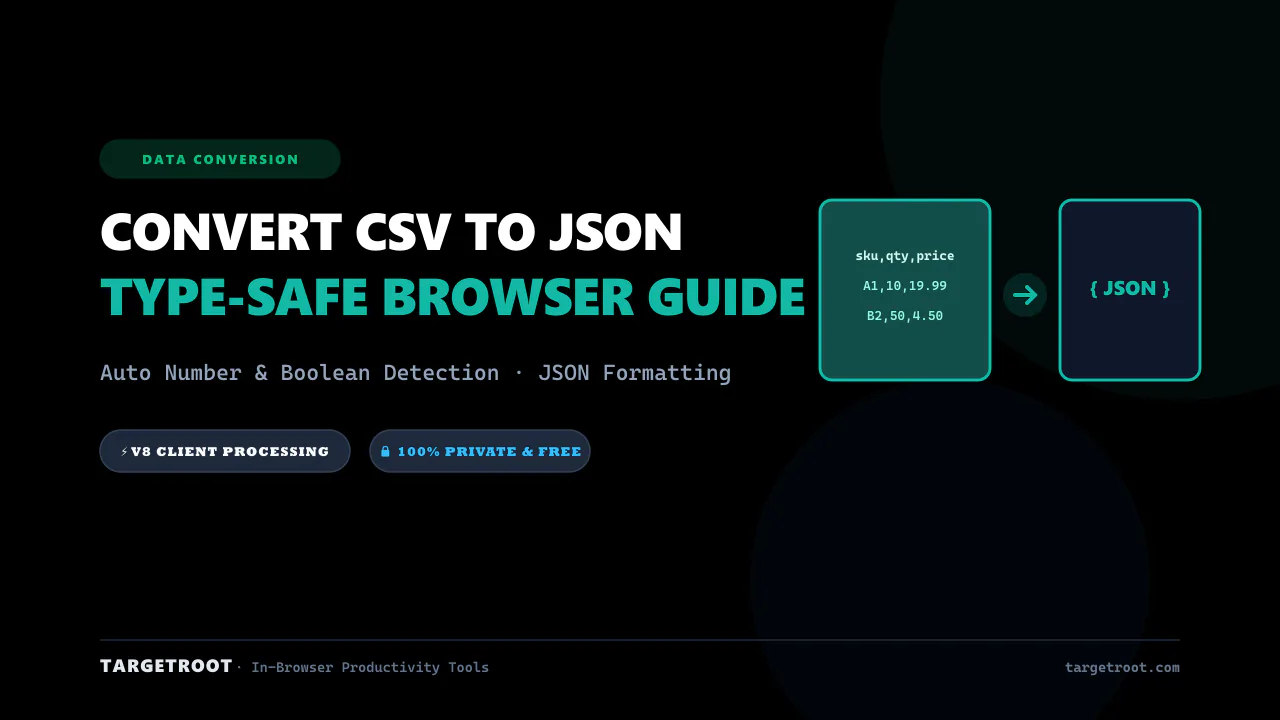
How to Convert CSV to JSON Online: Free, Instant & Type-Safe Guide
Convert CSV rows and spreadsheets into beautifully formatted JSON arrays in real-time. Zero server uploads, auto type detection.