CSV to JSON Converter
100% Client-Side PrivacyConvert CSV data to JSON format instantly in your browser. Free online CSV to JSON converter with no signup required.
Quick Features
- Paste CSV or upload .csv files
- Custom delimiter support (comma, semicolon, tab)
- Toggle first-row-as-header option
- Array or nested object output
- No data sent to any server
How to use CSV to JSON Converter
Paste CSV Data
Copy your CSV data and paste it into the input field. Or drag and drop a .csv file.
Choose Options
Select delimiter (comma, semicolon, tab), toggle header row, and choose output format (array or nested).
Download JSON
Preview the JSON output and copy to clipboard or download as .json file.
Why choose this tool
- Completely free — no signup or hidden limits
- Runs 100% in your browser — your data stays private
- Instant results, no downloads or installs
- Works on any device with a modern browser
Common Use Cases
- Spreadsheet data to JSON for web apps
- Database imports from CSV exports
- API payload preparation from tabular data
- Data migration between systems
Frequently Asked Questions
How do I convert CSV to JSON?
Paste your CSV data into the input field, configure the delimiter and header options, and click convert. The tool parses rows into JSON objects or arrays instantly.
What delimiters are supported?
Comma, semicolon, and tab delimiters are supported. You can also type a custom delimiter.
Is my data secure?
Yes. All processing happens in your browser. Your data never leaves your device.
Explore Related Tools & Guides
JSON to XLSX Converter
Convert JSON to XLSX online for free. Paste JSON or upload files to create Excel spreadsheets instan
JSON to CSV Converter
Convert JSON to CSV online for free. Paste JSON or upload a JSON file to generate clean CSV files in
JSON to XML Converter
Convert JSON to XML online for free. Paste JSON, upload a file, or fetch from a URL to generate well
JSON to SQL Converter
Generate SQL INSERT statements from JSON data. Free online JSON to SQL converter for database import
JSON to HTML Table Converter
Create responsive HTML tables from JSON data. Free online JSON to HTML table converter.
Image Compressor
Compress JPG, PNG, WebP, GIF, SVG, AVIF, and HEIC images online while preserving quality. Reduce ima
Image Enhancer
Enhance images with AI upscaling, sharpen, denoise, face enhancement, brightness, contrast, and satu
Universal Image Converter
Convert images between JPG, PNG, WebP, GIF, SVG, ICO, BMP, AVIF, and TIFF online for free. Batch con
Related Tools
View AllJSON to XLSX Converter
Convert JSON to XLSX online for free. Paste JSON or upload files to create Excel spreadsheets instantly. Fast, secure, browser-based, and no signup required.
JSON to CSV Converter
Convert JSON to CSV online for free. Paste JSON or upload a JSON file to generate clean CSV files instantly. Fast, secure, browser-based, and no signup required.
JSON to XML Converter
Convert JSON to XML online for free. Paste JSON, upload a file, or fetch from a URL to generate well-formed XML instantly. Supports nested objects, arrays, custom root elements, and XML declaration. 100% private, no signup.
JSON to SQL Converter
Generate SQL INSERT statements from JSON data. Free online JSON to SQL converter for database imports.
Related Articles
View All
How to Convert JSON to Excel: The Complete 2026 Guide
Learn every method to convert JSON to Excel in 2026. From Power Query to Python to free client-side tools. Includes privacy tips, nested JSON handling, and step-by-step instructions.
How to Convert an Entire Folder of Images to WebP in 1 Minute (Batch Conversion Guide)
Learn how to batch convert an entire folder of JPG, PNG, and HEIC images to WebP in under 1 minute. Discover free browser-based tools, PowerShell, Mac Automator, and Python scripts with zero quality loss.
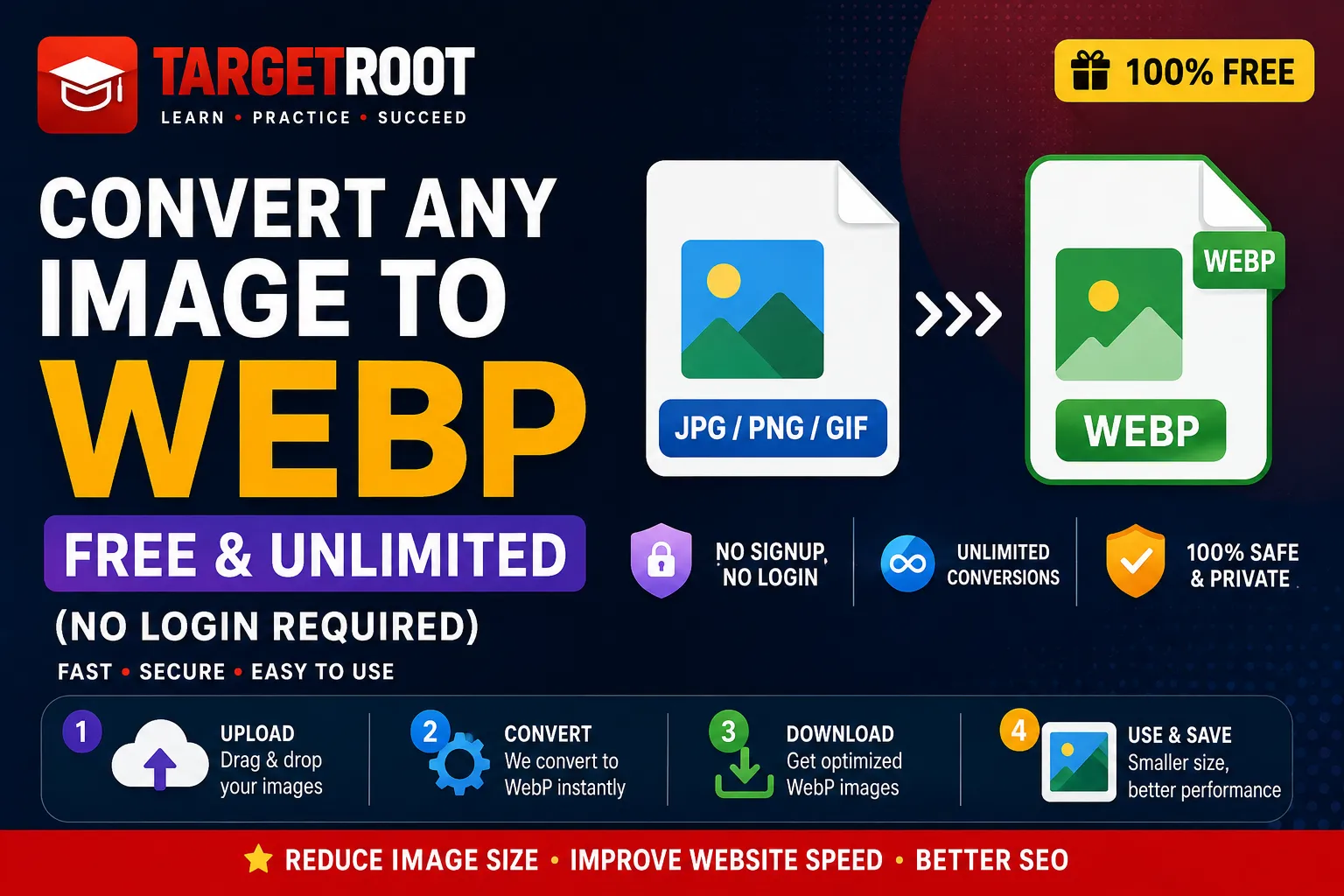
Convert Any Image to WebP Free & Unlimited (No Login Required)
Looking to convert JPG, PNG, GIF, SVG, ICO, BMP, or AVIF to WebP for free without daily limits or signups? Discover how to convert any image to WebP instantly in your browser with zero quality loss and complete privacy.