TARGETROOT
AI ToolsToolsBlog
ToolsData Conversion ToolsJSON to XML Converter
Data Conversion Tools

JSON to XML Converter

Convert JSON data to well-formed, properly indented XML instantly in your browser. Paste raw JSON, upload a .json file, or fetch from any API URL — the converter handles nested objects, arrays, custom root elements, and XML declarations automatically. Perfect for SOAP API integration, enterprise data exchange, and legacy system migration. 100% client-side, completely private.

#json-to-xml#json-to-xml-converter#convert-json-to-xml#json-xml-converter#xml-converter
Quick Info
  • Browser-based
  • Instant results
  • Free — No signup
Convert JSON to XML

How to use JSON to XML Converter

1

Paste or Upload JSON

Paste raw JSON into the editor, drag and drop a .json file, upload via file picker, or fetch JSON directly from any API URL. You can also try a sample dataset to see how the conversion works.

2

Configure XML Options

Choose a custom root element name, toggle whether to include the XML declaration, enable attribute detection, and set array wrapping preferences. The preview updates in real time.

3

Download or Copy XML

Preview the generated XML with proper indentation and syntax highlighting. Copy to clipboard or download as a .xml file ready for SOAP APIs, enterprise systems, or documentation.

JSON to XML Converter

Convert javascript object notation to extensible markup language

Auto-parse

Key Features

  • Instant JSON to XML conversion in your browser
  • Paste JSON, upload .json files, or fetch from any API URL
  • Custom XML root element name for the output document
  • XML declaration toggle (<?xml version="1.0" encoding="UTF-8"?>)
  • Nested object support with automatic child element generation
  • Array handling with repeated element or wrapper element options
  • Attribute detection for JSON keys that should become XML attributes
  • Pretty-printed XML output with configurable indentation
  • Proper XML special character escaping for &, <, >, double quotes, and single quotes
  • UTF-8 and full Unicode support for multilingual data
  • Drag-and-drop file upload up to 50MB
  • Live XML preview with syntax highlighting
  • Copy to clipboard or download as .xml file
  • 100% client-side processing — zero data sent to any server

Common Use Cases

  • Convert REST API JSON responses to XML for enterprise systems
  • Generate XML payloads for SOAP web service requests
  • Transform JSON configuration files to XML for legacy applications
  • Migrate JSON database exports to XML for data interchange
  • Convert JSON product catalogs to XML for e-commerce platforms
  • Prepare XML feeds from JSON data for publishing and syndication
  • Transform JSON survey or form data to XML for processing pipelines
  • Convert API response JSON to XML for documentation and archiving

Technical Details

Input Format: JSON (RFC 8259 compliant) — objects, arrays, nested structures
Output Format: XML (Well-formed, indented, with optional declaration)
Max File Size: 50MB (browser memory dependent)
Processing: 100% client-side JavaScript — no server involved
Privacy: Data never leaves your device. No storage, no logs.
XML Options: Root element, declaration, attribute detection, indentation
Browser Support: Chrome, Firefox, Safari, Edge, Opera (all modern browsers)
Encoding: Full UTF-8 and Unicode support

Why Convert JSON to XML?

JSON is the go-to format for modern web APIs, but XML still powers a huge chunk of enterprise systems, document workflows, and legacy integrations. Converting JSON to XML bridges the gap between these two worlds.

SOAP API Integration

SOAP web services require XML request and response payloads. If your data source returns JSON — which most modern APIs do — you need a reliable converter to transform it into the XML format SOAP expects.

Enterprise System Compatibility

Many enterprise platforms, ERP systems, and government portals still communicate via XML. Converting your JSON data to XML lets you feed it directly into these systems without rewriting your data pipeline.

Document Exchange Standards

Industries like healthcare (HL7, FHIR), finance (XBRL), and publishing (DITA, DocBook) rely on XML-based standards. JSON to XML conversion lets you participate in these ecosystems using your existing JSON data.

Data Migration

When migrating between systems that use different data formats, JSON to XML conversion serves as a bridge. Export from a modern system as JSON, convert to XML, and import into the target system.

Legacy System Communication

Older systems that predate JSON often only understand XML. Rather than rebuilding these systems, convert your JSON payloads to XML on the fly for seamless integration.

Configuration and Metadata

Some tools and frameworks — like Maven, Spring, Android layouts, and CI/CD pipelines — use XML for configuration. Convert JSON config files to XML when working with these ecosystems.

JSON vs XML: Key Differences

Both JSON and XML are used for structuring data, but they have different strengths. Understanding when to use each helps you make better architecture decisions.

FeatureJSONXML
SyntaxLightweight, minimalVerbose with opening/closing tags
Data TypesString, number, boolean, null, array, objectAll values are text (typed via schema)
AttributesNot natively supportedFirst-class support
NamespacesNot supportedFull namespace support
Schema ValidationJSON SchemaXSD, DTD, RelaxNG
ReadabilityEasy to read and writeMore verbose but self-documenting
File SizeSmallerLarger due to tags
Best ForWeb APIs, mobile apps, configsEnterprise, documents, SOAP, publishing
Comment SupportNot allowedSupported (<!-- comment -->)
Array HandlingNative arraysRepeated elements or wrappers

How JSON to XML Conversion Works

Understanding the conversion rules helps you produce clean XML output. Here is how each JSON structure maps to XML.

JSON Objects → XML Elements

Each key-value pair in a JSON object becomes an XML element. The key becomes the tag name, and the value becomes the element content. For example, {"name": "Alice"} becomes <name>Alice</name>.

JSON Arrays → Repeated Elements

JSON arrays are converted to repeated XML elements. An array ["a", "b", "c"] becomes multiple <item> elements inside a parent container. You can customize the element names.

Nested Objects → Nested Elements

Nested JSON objects become child XML elements. A structure like {"user": {"name": "Alice"}} becomes <user><name>Alice</name></user> with proper nesting.

Special Characters → XML Escaping

Characters like ampersand, less-than, greater-than, double quotes, and single quotes are automatically escaped to their XML entity equivalents to produce valid XML.

Null Values → Empty Elements

JSON null values are converted to empty XML elements. For example, {"middleName": null} becomes <middleName/> as a self-closing element.

Numbers and Booleans → Text Content

JSON numbers and booleans are serialized as text content inside XML elements. The receiving system can parse them back using XML Schema types if needed.

Real-World Use Cases

From quick data transforms to production integration pipelines, JSON to XML conversion is used across industries and development workflows.

API Developers

Convert REST API responses (which return JSON) to XML for clients or legacy systems that expect SOAP payloads. Essential when building API gateways or middleware that bridges modern and legacy services.

Enterprise Integration

Feed JSON data from modern SaaS tools into enterprise middleware, ESB platforms, and B2B data exchange systems that communicate exclusively via XML.

Data Engineers

Transform JSON data from data lakes, streaming pipelines, or NoSQL databases into XML for ingestion into XML-native processing systems, ETL tools, or data warehouses.

QA Engineers

Convert JSON test fixtures to XML request payloads for testing SOAP endpoints. Generate XML validation inputs from JSON test data for automated testing pipelines.

Students and Learners

Understand the relationship between JSON and XML by seeing how the same data is represented in both formats. Great for learning data interchange concepts.

Content Publishers

Convert JSON content feeds to XML syndication formats (RSS, Atom, DITA) for publishing workflows, content management systems, and distribution channels.

Tips for Clean JSON to XML Conversion

Follow these best practices to get the cleanest, most usable XML output from your JSON data.

  • Use descriptive, XML-friendly key names — avoid spaces, special characters, and leading digits in JSON keys
  • Set a meaningful root element name that describes the dataset, like <users> or <products>
  • Flatten deeply nested JSON if your target XML schema expects a flat structure
  • Use the attribute detection feature for metadata fields that work better as XML attributes than elements
  • Validate your JSON before conversion — the tool catches syntax errors, but logical issues like inconsistent array shapes may produce unexpected XML
  • For SOAP APIs, ensure your XML output matches the expected WSDL schema — you may need to adjust element names and structure
  • Test with a small sample first, then convert larger datasets to catch any structural issues early
  • Use the pretty-print option when the XML will be reviewed by humans or included in documentation

Browser Compatibility

The JSON to XML converter works reliably across all modern browsers. No extensions, plugins, or installation required.

  • Google Chrome (latest and latest-1 versions)
  • Mozilla Firefox (latest and latest-1 versions)
  • Microsoft Edge (Chromium-based)
  • Apple Safari (latest version)
  • Opera (Chromium-based)

Related Tools

View All
data

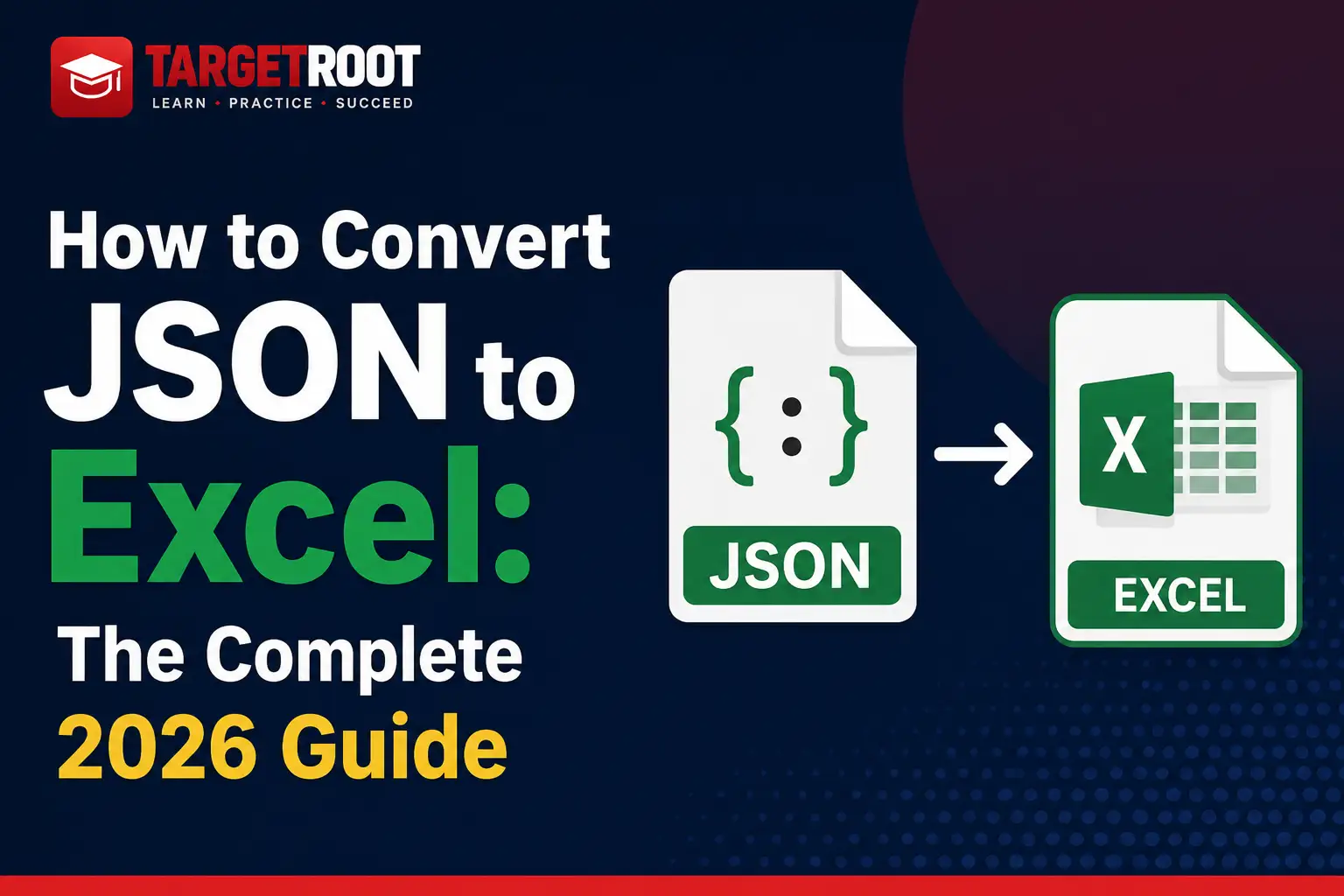
JSON to XLSX Converter

Convert JSON to XLSX online for free. Paste JSON or upload files to create Excel spreadsheets instantly. Fast, secure, browser-based, and no signup required.

Free Tool
data

JSON to CSV Converter

Convert JSON to CSV online for free. Paste JSON or upload a JSON file to generate clean CSV files instantly. Fast, secure, browser-based, and no signup required.
Free Tool
data

CSV to JSON Converter

Convert CSV data to JSON format instantly in your browser. Free online CSV to JSON converter with no signup required.

Free Tool
data

JSON to SQL Converter

Generate SQL INSERT statements from JSON data. Free online JSON to SQL converter for database imports.

Free Tool
TARGETROOT

Free online web tools and AI tools directory. Client-side processing, no sign-up required. Your data stays private.

Platform

  • Tools
  • AI Tools
  • Blog

Company

  • About
  • Contact

Legal

  • Privacy Policy
  • Terms of Service

Quick Access

  • JSON Formatter
  • Image Compressor
  • JSON to XLSX
  • QR Code Generator

© 2026 TARGETROOT. All rights reserved.

Built for privacy-first web tools