Universal Image Converter
100% Client-Side PrivacyConvert images between JPG, PNG, WebP, GIF, SVG, ICO, BMP, AVIF, and TIFF online for free. Batch convert mixed formats in your browser — 100% private, no upload, no signup.
Quick Features
- Universal format support — convert from JPG, PNG, WebP, GIF, SVG, ICO, BMP, AVIF, TIFF
- Output to JPG, PNG, WebP, GIF, AVIF, BMP, or TIFF
- True batch conversion — mixed input formats, one click, single output format
- Quality slider (0–100%) for lossy formats with intelligent auto-disable on lossless
- Size scaling from 0.1x to 5.0x for resolution control
- Before/after preview with exact file size and dimensions
- Individual downloads plus a single ZIP download for all results
- Per-file status tracking (Ready, Converting, Done, Failed) with error isolation
How to use Universal Image Converter
Add Images
Drag and drop or browse to add one or more images of any supported format — JPG, PNG, WebP, GIF, SVG, ICO, BMP, AVIF, or TIFF. Mixed formats are welcome.
Choose Output Settings
Select the target format, set quality (for lossy formats like JPG and WebP), and optionally scale the output size. Settings apply to every file in the queue.
Convert & Download
Click Convert All to process everything in your browser, then download files individually or all at once as a ZIP. No data is ever uploaded.
Why choose this tool
- Completely free — no signup or hidden limits
- Runs 100% in your browser — your data stays private
- Instant results, no downloads or installs
- Works on any device with a modern browser
Common Use Cases
- Convert WebP screenshots to JPG for email attachments
- Convert JPG photos to PNG for transparency support
- Convert SVG logos to PNG for platforms that need raster images
- Convert PNG images to WebP for faster website loading
- Convert images to TIFF for print or archival workflows
- Batch convert product photos to a single format for e-commerce
- Convert AVIF/HEIC-era images to universally compatible formats
- Convert ICO icons to PNG for web and document use
- Resize and convert images for social media upload requirements
- Prepare images in the exact format required by government or job portals
Choosing the Right Output Format
Each output format has different strengths. Pick the right one based on your use case.
JPG — Best for Photographs
The most widely compatible format for photos and images with gradients. Uses lossy compression with adjustable quality (70–90% is ideal for most uses). Converts transparency to a white background.
PNG — Best for Transparency & Graphics
Lossless format that preserves transparency and sharp edges. Ideal for logos, icons, screenshots, and UI elements. Larger file sizes than JPG or WebP.
WebP — Best for the Modern Web
Up to 25–35% smaller than JPG or PNG at comparable quality. Supported by all modern browsers. A great default for website images.
GIF — Best for Simple Animations
Supports animation and a limited 256-color palette. Note: converting to GIF captures the first frame of animated sources as a static image.
AVIF — Best for Maximum Compression
The newest format with the best compression ratios — up to 50% smaller than JPG at equivalent quality. Requires AVIF encoding support in your browser (Chrome and Edge support it).
BMP — Uncompressed Legacy Format
Large, uncompressed files best suited to legacy software that only accepts BMP. Rarely needed for modern workflows.
TIFF — Best for Print & Archival
Lossless format widely used in publishing, scanning, and archival workflows. TIFF output is generated with uncompressed RGB data for maximum compatibility.
Lossy vs Lossless Conversion
Understanding quality loss helps you choose the right format and settings.
| Feature | Lossy (JPG, WebP, GIF, AVIF) | Lossless (PNG, BMP, TIFF) |
|---|---|---|
| Quality slider | Enabled — controls compression level | Disabled — output is lossless |
| File size | Smaller (adjustable via quality) | Larger |
| Transparency | WebP/GIF preserve, JPG converts to white | Preserved in PNG; dropped in BMP/TIFF |
| Best for | Web, email, social media | Print, logos, archival |
Privacy & Security
Your images are handled entirely in your browser.
Browser-Based Processing
All decoding, scaling, and encoding happens locally using the HTML5 Canvas API. Your files are never transmitted over the network.
No Uploads, No Storage
Images exist only in your browser's memory during the session and are discarded when you close the tab.
Works Offline
Because everything runs client-side, the tool keeps working even after the page loads, without a server connection.
Technical Details
Frequently Asked Questions
Is this image converter free?
Yes, completely free. No signup, no watermarks, no hidden limits. Convert unlimited images to any format at no cost.
Can I convert images without uploading them?
Yes. All conversion happens entirely in your browser using the Canvas API. Your images never leave your device and are never stored on any server.
What formats can I convert from and to?
You can convert from JPG, PNG, WebP, GIF, SVG, ICO, BMP, AVIF, and TIFF into JPG, PNG, WebP, GIF, AVIF, BMP, or TIFF. Supported extensions include .jpg, .jpeg, .jfif, .pjpeg, .png, .gif, .webp, .svg, .ico, .bmp, .avif, .tif, and .tiff.
Can I convert multiple images at once?
Yes. Add any mix of formats to the queue, pick a single output format, and convert them all with one click. Download results individually or as a single ZIP file.
Why is the quality slider disabled?
The quality slider only applies to lossy formats (JPG, WebP, GIF, AVIF). When you select a lossless format like PNG, BMP, or TIFF, the slider is automatically disabled because no quality is lost.
How do I convert WebP to JPG?
Add your WebP image, choose JPG from the Output Format dropdown, optionally adjust quality, and click Convert All. The converted JPG is ready to download.
How do I convert an SVG to PNG?
Add the SVG file and select PNG as the output format. The SVG is rasterized to PNG at its native size (scaled by the Size Scale setting if you adjust it).
Does converting an animated GIF keep the animation?
No. Conversion captures the first frame of an animated GIF as a static image. For true animation preservation, keep the file in GIF or WebP format.
Does converting to JPG keep transparency?
No. JPG does not support transparency, so transparent areas are filled with white. Use PNG or WebP if you need to preserve transparency.
Why is my AVIF conversion failing?
AVIF encoding requires browser support. Chrome and Edge support AVIF encoding; if your browser returns an error, try Safari or Firefox, or choose a different output format like WebP.
What is the maximum file size?
Images up to 100MB are accepted. Files over 50MB trigger a warning because large images can use significant browser memory and may process more slowly.
Can I resize images during conversion?
Yes. Use the Size Scale control (0.1x to 5.0x) to shrink or enlarge output dimensions. For example, 0.5x halves both width and height.
Does this tool work on mobile?
Yes. The interface is fully responsive and works on phones, tablets, and desktops, including drag-and-drop where the browser supports it.
Is my data safe?
Absolutely. Images are processed locally in your browser — nothing is uploaded, stored, or logged. Close the tab and everything is gone.
Explore Related Tools & Guides
Image Compressor
Compress JPG, PNG, WebP, GIF, SVG, AVIF, and HEIC images online while preserving quality. Reduce ima
Image Enhancer
Enhance images with AI upscaling, sharpen, denoise, face enhancement, brightness, contrast, and satu
JSON to XLSX Converter
Convert JSON to XLSX online for free. Paste JSON or upload files to create Excel spreadsheets instan
JSON to CSV Converter
Convert JSON to CSV online for free. Paste JSON or upload a JSON file to generate clean CSV files in
JSON Formatter & Validator
Format, beautify, and validate JSON instantly with our free JSON Formatter & Validator online. Paste
CSV to JSON Converter
Convert CSV data to JSON format instantly in your browser. Free online CSV to JSON converter with no
JSON to XML Converter
Convert JSON to XML online for free. Paste JSON, upload a file, or fetch from a URL to generate well
JSON to SQL Converter
Generate SQL INSERT statements from JSON data. Free online JSON to SQL converter for database import
Related Tools
View AllImage Compressor
Compress JPG, PNG, WebP, GIF, SVG, AVIF, and HEIC images online while preserving quality. Reduce image size instantly for websites, email, government forms, social media, and more. Free, private, no signup.
Image Enhancer
Enhance images with AI upscaling, sharpen, denoise, face enhancement, brightness, contrast, and saturation — all in your browser. Free and private.
Related Articles
View All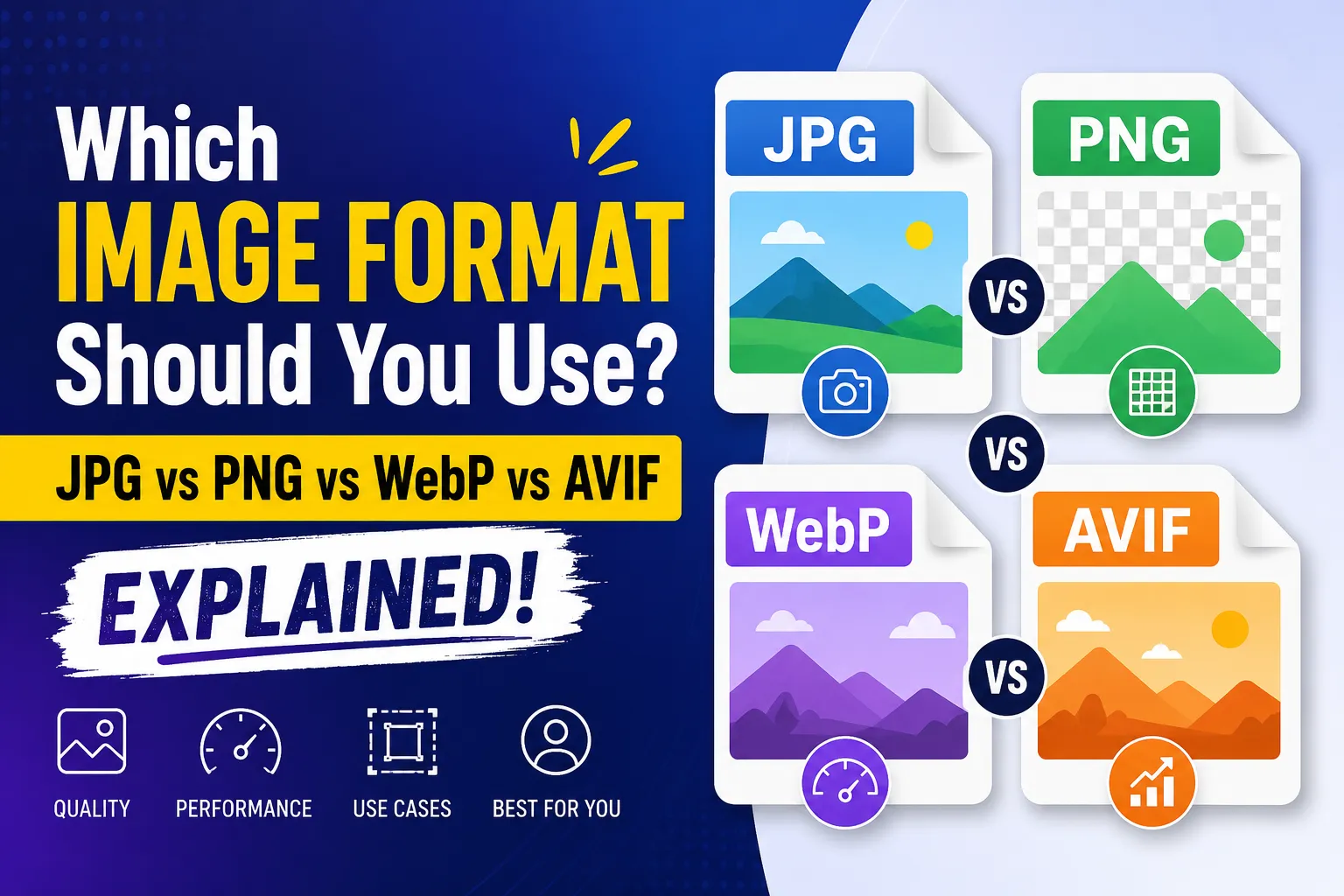
Which Image Format Should You Use? JPG vs PNG vs WebP vs AVIF Explained
JPG vs PNG vs WebP vs AVIF: which image format should you use for your website? A practical guide to file size, compression, transparency, SEO, and page speed.
WCAG Color Contrast Guide for Designers: Pass AA & AAA Standards
Master web accessibility with our complete WCAG color contrast guide. Learn contrast ratios, pass AA/AAA standards, and ensure readable designs.
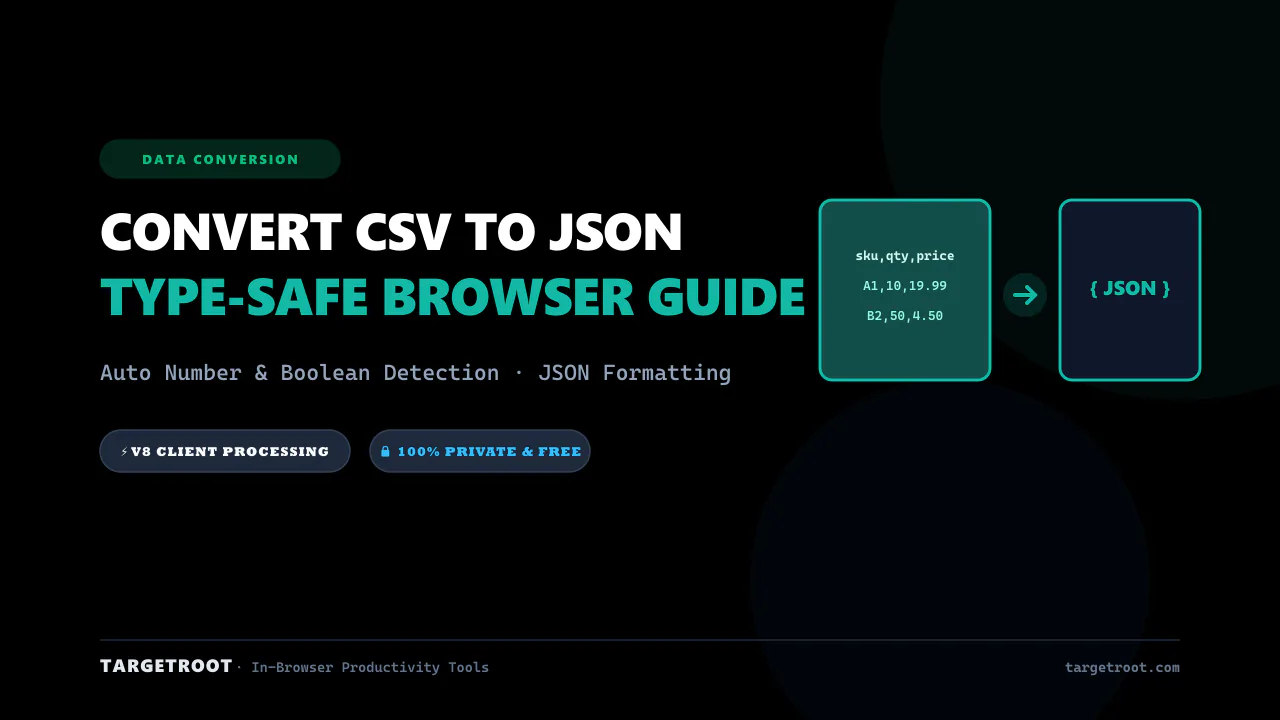
How to Convert CSV to JSON Online: Free, Instant & Type-Safe Guide
Convert CSV rows and spreadsheets into beautifully formatted JSON arrays in real-time. Zero server uploads, auto type detection.