Image Enhancer
100% Client-Side PrivacyEnhance images with AI upscaling, sharpen, denoise, face enhancement, brightness, contrast, and saturation — all in your browser. Free and private.
Quick Features
- AI upscaling 2x and 4x resolution
- Sharpen and deblur filters (convolution-based)
- Denoise for grain reduction
- Face enhancement with skin smoothing
- Auto enhance — one-click fix
- Brightness, contrast, and saturation controls
- Supports all image formats: JPEG, PNG, WebP, GIF, BMP, TIFF, AVIF, HEIC, SVG, ICO
- Batch processing with ZIP download
How to use Image Enhancer
Upload Image
Drag and drop or select any image format — JPEG, PNG, WebP, GIF, BMP, TIFF, AVIF, HEIC, SVG, ICO.
Adjust Settings
Choose enhancement options: upscale 2x/4x, sharpen, denoise, face enhancement, auto enhance, or adjust brightness, contrast, and saturation.
Download
Preview the enhanced result and download individually or as a ZIP for batch processing.
Why choose this tool
- Completely free — no signup or hidden limits
- Runs 100% in your browser — your data stays private
- Instant results, no downloads or installs
- Works on any device with a modern browser
Common Use Cases
- Upscale low-resolution photos for printing
- Sharpen blurry images from old cameras
- Enhance portraits with face smoothing
- Restore old and faded photographs
- Reduce noise in low-light and night shots
- Batch enhance product images for e-commerce
Technical Details
Frequently Asked Questions
Is this an AI image enhancer?
Yes, our tool uses advanced client-side algorithms including convolution-based sharpening, median filter denoising, smart interpolation for upscaling, and skin-tone-aware face enhancement. All processing is done locally in your browser.
Can I upscale images without losing quality?
Yes, you can upscale images 2x or 4x while preserving details using smart interpolation. Combined with the sharpen filter, upscaled images maintain crispness.
What image formats are supported?
All major formats: JPEG, PNG, WebP, GIF, BMP, TIFF, AVIF, HEIC/HEIF, SVG, and ICO.
Is my image uploaded to a server?
No. All processing happens in your browser using the Canvas API. Your images never leave your device, ensuring complete privacy.
Can I enhance multiple images at once?
Yes, upload multiple images and enhance them all with one click. Download individual results or all images as a single ZIP file.
What does the auto enhance feature do?
Auto enhance applies histogram stretching for balanced exposure followed by a mild sharpen — giving your image a quick, professional-quality improvement with one click.
Can I restore old photos?
Yes, use the auto enhance feature combined with denoise to restore faded or damaged old photographs. The sharpen filter helps bring back lost details.
Explore Related Tools & Guides
Image Compressor
Compress JPG, PNG, WebP, GIF, SVG, AVIF, and HEIC images online while preserving quality. Reduce ima
Universal Image Converter
Convert images between JPG, PNG, WebP, GIF, SVG, ICO, BMP, AVIF, and TIFF online for free. Batch con
JSON to XLSX Converter
Convert JSON to XLSX online for free. Paste JSON or upload files to create Excel spreadsheets instan
JSON to CSV Converter
Convert JSON to CSV online for free. Paste JSON or upload a JSON file to generate clean CSV files in
JSON Formatter & Validator
Format, beautify, and validate JSON instantly with our free JSON Formatter & Validator online. Paste
CSV to JSON Converter
Convert CSV data to JSON format instantly in your browser. Free online CSV to JSON converter with no
JSON to XML Converter
Convert JSON to XML online for free. Paste JSON, upload a file, or fetch from a URL to generate well
JSON to SQL Converter
Generate SQL INSERT statements from JSON data. Free online JSON to SQL converter for database import
Related Tools
View AllImage Compressor
Compress JPG, PNG, WebP, GIF, SVG, AVIF, and HEIC images online while preserving quality. Reduce image size instantly for websites, email, government forms, social media, and more. Free, private, no signup.
Universal Image Converter
Convert images between JPG, PNG, WebP, GIF, SVG, ICO, BMP, AVIF, and TIFF online for free. Batch convert mixed formats in your browser — 100% private, no upload, no signup.
Related Articles
View All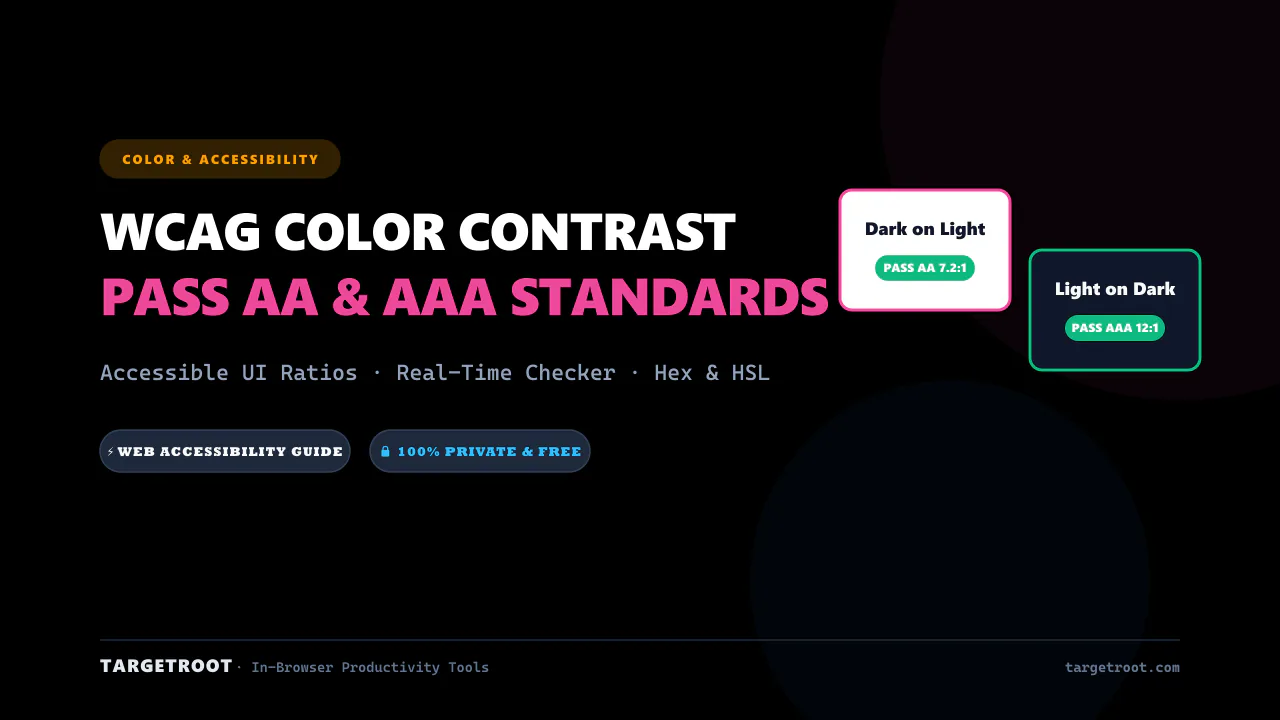
WCAG Color Contrast Guide for Designers: Pass AA & AAA Standards
Master web accessibility with our complete WCAG color contrast guide. Learn contrast ratios, pass AA/AAA standards, and ensure readable designs.
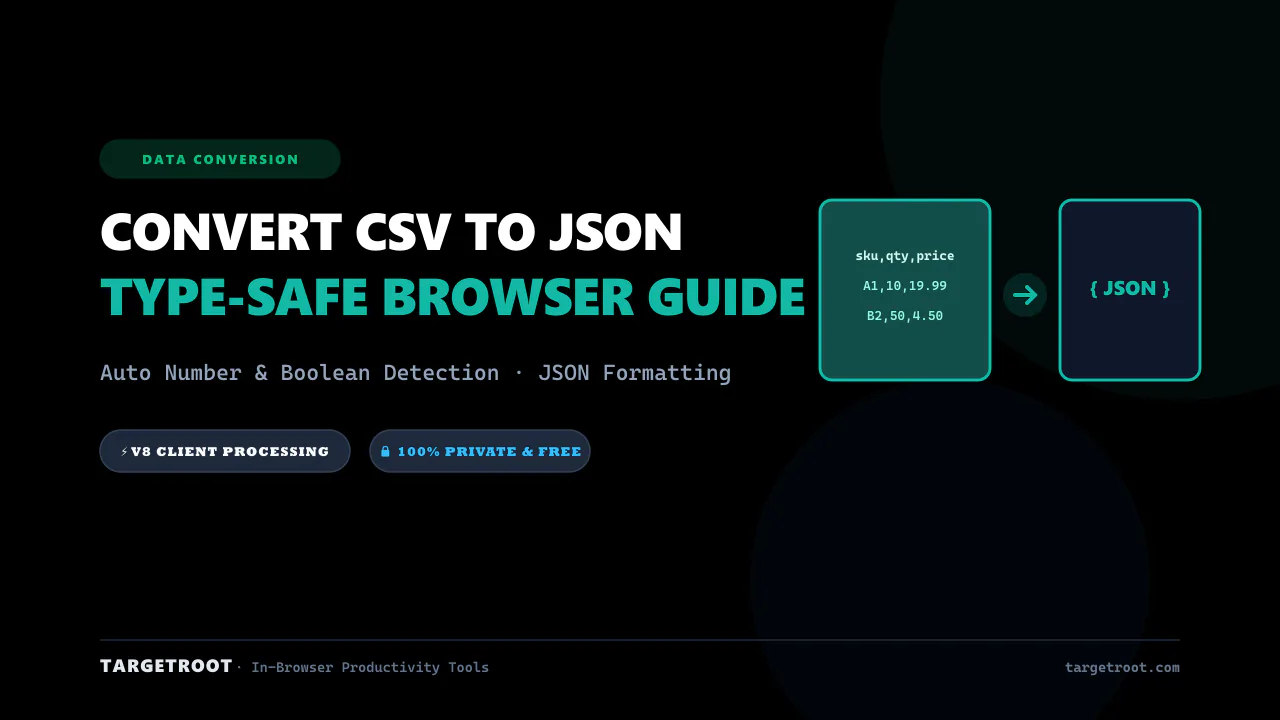
How to Convert CSV to JSON Online: Free, Instant & Type-Safe Guide
Convert CSV rows and spreadsheets into beautifully formatted JSON arrays in real-time. Zero server uploads, auto type detection.
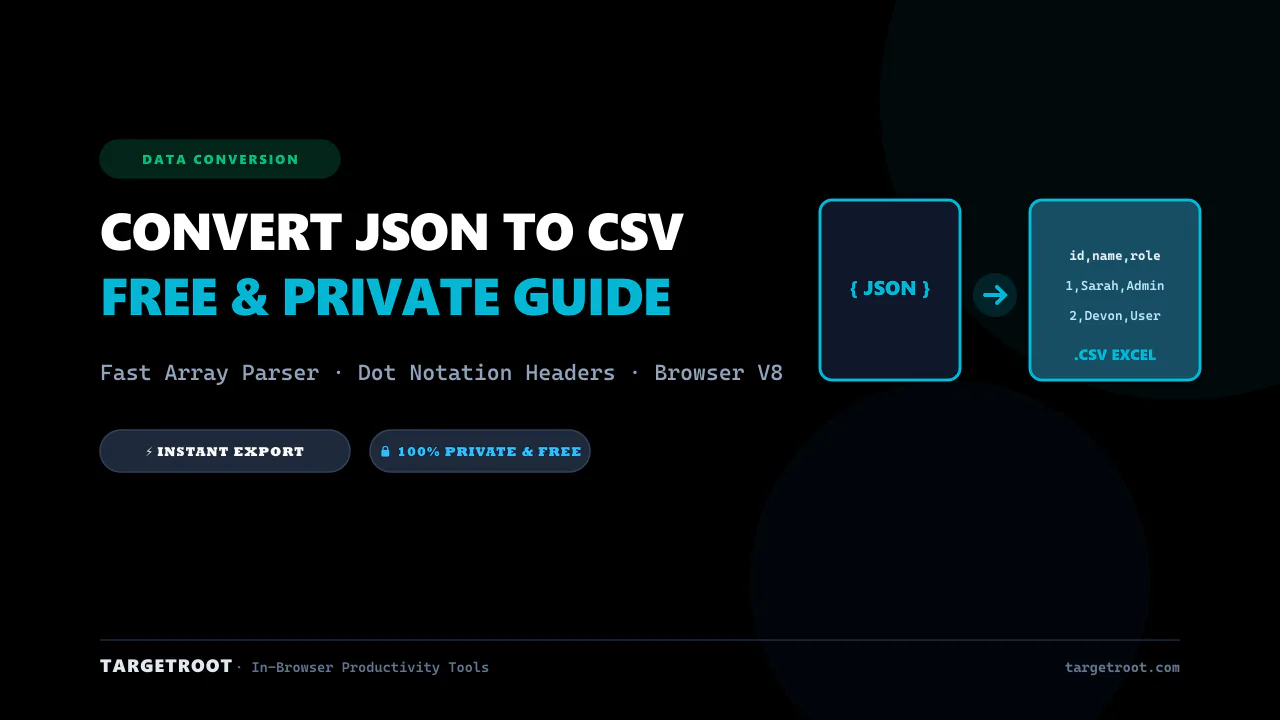
How to Convert JSON to CSV Online: The Ultimate Free & Private Guide
Turn complex JSON data, arrays, and API responses into clean CSV spreadsheets in seconds. 100% private in-browser conversion.