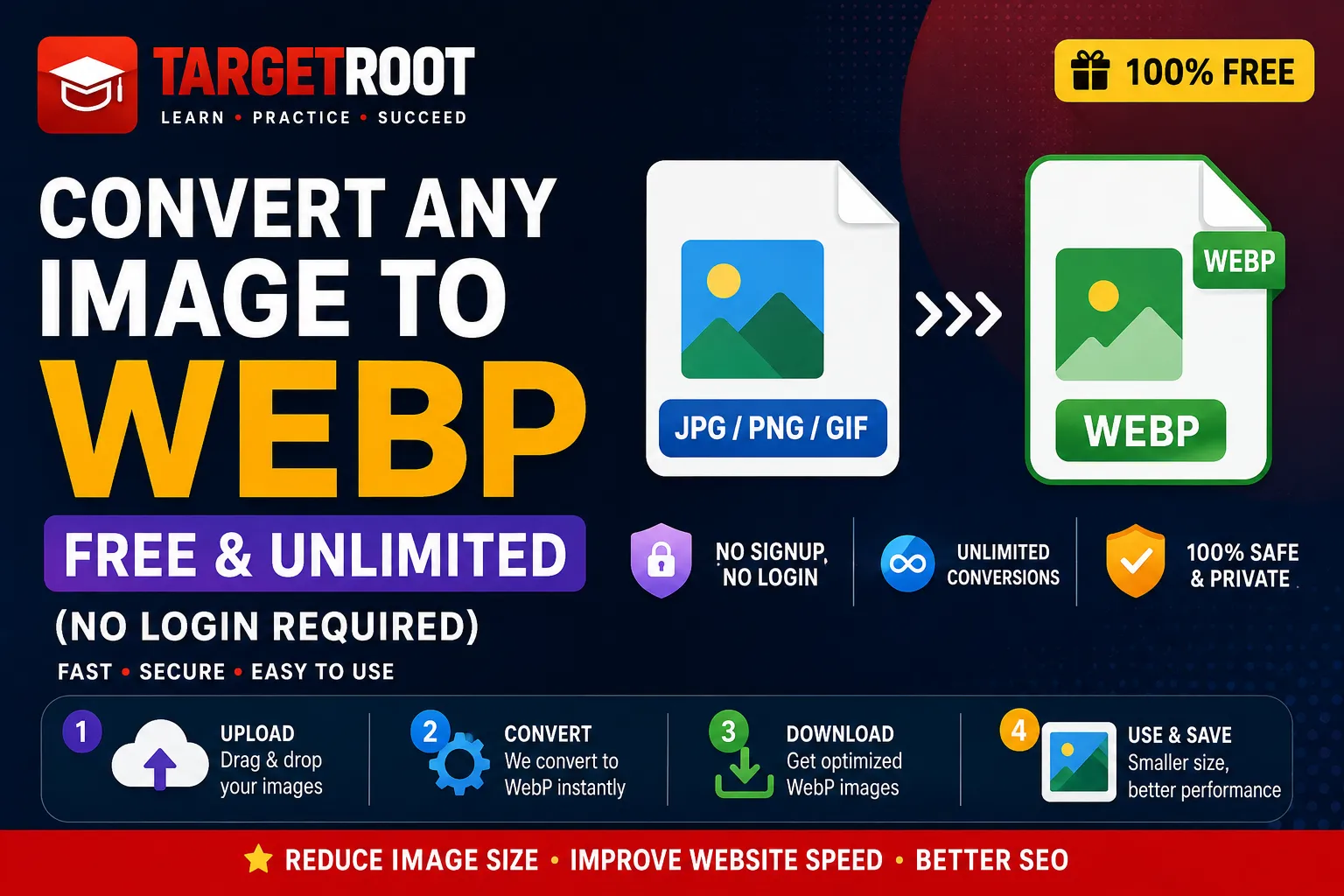
Instantly Convert Any Image to WebP — Free, Unlimited & Private
In 2026, web performance is directly tied to search rankings, visitor retention, and conversion rates. Heavy image files like uncompressed JPGs and PNGs are the single biggest cause of slow page load speeds. If you want to convert image to webp free unlimited without installing bloated software or registering for paid accounts, you are in the right place.
Whether you need a quick JPG to WebP converter, a PNG to WebP batch converter, or a versatile WebP compressor, our browser-based Free Image Converter Tool lets you batch convert any file with zero server uploads, complete privacy, and no file caps.
Why Use Our Free WebP Converter?
- 100% Free & Unlimited: Convert unlimited images without daily limits or hidden fees.
- No Account Required: Zero signups, email verification, or credit cards needed.
- Privacy Focused: Local browser processing means your photos never leave your device.
- Bulk Batch Converting: Convert JPG, PNG, GIF, SVG, ICO, BMP, and AVIF to WebP in seconds.
1 What is WebP and Why Convert Any Image to WebP?
Developed by Google, WebP is a modern image format designed specifically for the web. It provides superior lossy and lossless compression for images, enabling webmasters, digital marketers, and developers to create smaller, richer images that make the web faster.
Drastic File Size Reduction
According to MDN Web Docs, WebP lossless images are 26% smaller than PNGs, while WebP lossy images are 25–34% smaller than comparable JPEG images.
Higher PageSpeed Ratings
Google’s Core Web Vitals heavily penalize slow-loading hero images. Converting your images to WebP improves Largest Contentful Paint (LCP) scores on Google PageSpeed Insights.
All-in-One Format
Unlike JPEG, WebP supports transparent backgrounds (like PNG) as well as animated frames (like GIF), giving you the best of all formats in a tiny footprint.
2 How to Convert Any Image to WebP Free & Unlimited (No Login Required)
Converting your images with our online WebP converter tool takes only a few seconds. Follow these 4 easy steps:
Open the Image Converter Tool
Navigate directly to our Free Image Converter Page on TargetRoot. No registration or email signup is ever requested.
Drag & Drop Your Files (Single or Bulk)
Select one or multiple images from your device. You can batch convert JPG, PNG, GIF, SVG, ICO, BMP, or AVIF files simultaneously using our JPG to WebP bulk converter engine.
Select Output Format as WebP
Choose WEBP as your target output. You can also fine-tune your compression quality settings using our integrated WebP compressor controls.
Instant Download & Save
Click Convert All. In milliseconds, your browser processes the images locally and prepares your lightweight .webp files for instant download.
3 Batch Convert JPG, PNG, GIF, SVG, ICO, BMP, and AVIF to WebP
Our Free WebP Converter supports comprehensive multi-format image conversions. Here is a breakdown of supported formats:
| Source Format | Conversion Output | Transparency Supported | Avg Size Savings | Ideal Use Case |
|---|---|---|---|---|
| JPG / JPEG | WebP (Lossy / Lossless) | N/A | 30% to 50% | Blog photos, product shots, banner backgrounds |
| PNG | WebP (Alpha Lossless) | ✓ Retained 100% | 40% to 70% | Logos, icons, transparent UI graphics |
| GIF | Animated WebP | ✓ Retained 100% | 50% to 80% | Animated UI snippets, social media memes |
| SVG | WebP Raster Render | ✓ Retained 100% | Varies | Rasterizing vector assets for fallback display |
| AVIF / HEIC / BMP / ICO | WebP | ✓ Supported | 35% to 60% | Camera RAW photos, legacy bitmap graphics |
4 How to Convert JPG to WebP in Photoshop & Desktop Tools
If you are a designer or editor working with Adobe Photoshop, you can also convert JPG to WebP natively or via plugins. Learn more in the official Adobe Photoshop WebP Guide.
Photoshop 23.2+ (Native WebP Export)
In Photoshop 23.2 or higher, open your JPG/PNG file, go to File > Save a Copy, and select WebP from the format dropdown. Adjust the quality slider to control lossy compression.
Photoshop Legacy Plugin (WebPShop)
For Photoshop versions older than 23.2, download the official Google WebPShop plugin and install it in your Plug-ins directory to enable WebP open and save functionality.
5 Comparing Free Online WebP Converters (No Login)
How does our TargetRoot Free Image Converter compare to other online converters like ToWebP, AnyWebP, CloudConvert, and Pixelied?
| Converter Tool | Unlimited Conversion | No Signup Required | 100% Client-Side Privacy | Batch Bulk Mode |
|---|---|---|---|---|
| TargetRoot Image Converter | ✓ Unlimited | ✓ No Login | ✓ 100% In-Browser | ✓ Unlimited Batch |
| ToWebP | ✓ Free | ✓ No Account | ✓ Local Processing | Bulk Supported |
| AnyWebP | ✓ Free | ✓ No Signup | ✓ Browser Local | Bulk Supported |
| CloudConvert | ⚠️ 25 Daily Limit | Free Tier | ❌ Server Upload | Batch Supported |
| Pixelied | ⚠️ Credit Capped | Free Account | ❌ Server Upload | Limited Batch |
6 Frequently Asked Questions (FAQ)
Is this WebP image converter completely free with no limits? ▼
Yes! Our Free Image Converter Tool offers 100% unlimited conversions without daily file caps, hidden subscriptions, or watermark additions.
Are my uploaded photos kept safe and private? ▼
Absolute privacy is guaranteed. All conversions execute locally within your web browser using HTML5 Web APIs. Your images are never uploaded to any remote server or stored in any database.
Does WebP retain PNG background transparency? ▼
Yes. WebP fully supports 8-bit alpha channel transparency (just like PNG), allowing you to convert transparent PNG images to WebP without losing their clear background.
Do modern web browsers support WebP images? ▼
Yes. Over 97% of modern web browsers — including Google Chrome, Apple Safari, Mozilla Firefox, Microsoft Edge, and Opera — provide native WebP image rendering out of the box.
Explore More Free Image Tools & AI Generators
Enhance your digital creative workflow with TargetRoot's free online tools and AI directory.
Start Converting Your Images to WebP Today
Ready to speed up your website, reduce page load times, and improve Google PageSpeed scores? Use our 100% free, browser-based Image Converter Tool right now.
Was this article helpful?
Your feedback helps us create better content.