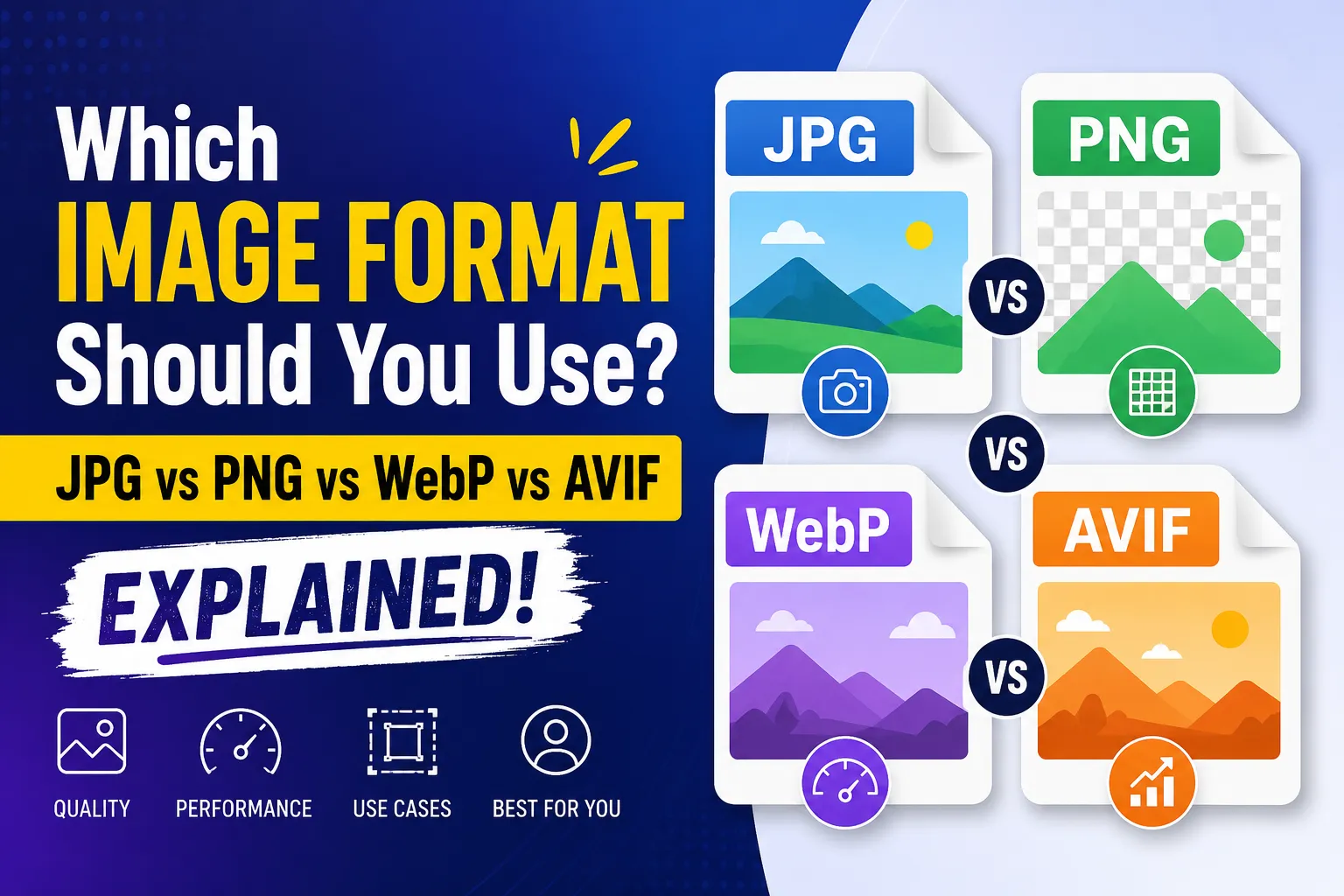
Which Image Format Should You Use? JPG vs PNG vs WebP vs AVIF, Explained
4 formats compared Web performance | ✓ Free tools included
Quick Note
Need to shrink or convert an image right now? Jump to our free, browser-based Image Compressor and Universal Image Converter. Both run 100% locally in your browser — no uploads, no signup, no tracking.
▣ Let's Cut Through the Confusion
You're building a website. Or maybe you're just trying to upload a photo that doesn't look like garbage. And suddenly you're staring at a dropdown menu with four letters: JPG, PNG, WebP, AVIF.
What do they even mean? Which one's actually good?
I've been down this rabbit hole. Spent way too many hours testing, comparing, and yelling at my screen. So let me save you the headache. I'll walk you through exactly what each format does, when to use it, and why your choice matters way more than you think.
▣ First Things First: Why Anyone Should Care
Before we dive in, ask yourself this: when was the last time you waited more than three seconds for a webpage to load?
Frustrating, right?
Turns out, 53% of mobile visitors bounce if a site takes longer than three seconds. And images? They're usually the biggest culprit. Bloated images crush your page speed. Crush your user experience. Crush your Google rankings.
Why It Matters
Choosing the right format isn't geeky nitpicking. It's genuinely one of the highest-impact things you can do for your site's performance. A single heavy hero image can undo all your other optimization work.
▣ JPEG: The Granddaddy of Formats
JPEG's been around since 1992. That's three decades of web history. It's the default on most cameras, the standard for social media, and frankly, it's everywhere.
Lossy compression. Big word, simple meaning: JPEG deletes information to shrink the file. Details your eye won't miss? Gone. Tiny color variations? Discarded. The result is a 5MB camera photo compressed down to 500KB — totally acceptable for web use.
Here's what JPEG does well
- Photographs. Landscapes, portraits, anything with smooth gradients.
- Complex images with millions of colors.
- Universal compatibility. It works on literally every device ever made.
And here's where it falls short
- No transparency. At all. Zero.
- Push compression too hard and you'll see artifacts — blocky squares, color banding, a general mess.
- File sizes are larger than modern alternatives.
Bottom line? JPEG is the reliable old friend. Not the most exciting, but always shows up when you need it.
▣ PNG: The Perfectionist's Choice
PNG was created to be better than GIF. And honestly? It succeeded.
Lossless compression. Not a single pixel gets sacrificed. Every detail, every shade, every crisp edge stays exactly as intended.
PNG shines here
- Logos, icons, and graphics with sharp lines.
- Screenshots where text needs to remain razor-sharp.
- Images requiring transparency. PNG's alpha channel is flawless.
But there's a cost.
File sizes. They're huge. That gorgeous landscape photo that's 500KB as JPEG? As PNG, it might be 5MB. Possibly 10MB. Nobody's waiting for that. Your users will hate you. Your SEO will tank.
So the rule is simple
Use PNG for graphics and screenshots. Never for photos. If you already have a heavy PNG and need it lighter, run it through our Image Compressor before publishing.
▣ WebP: The Sweet Spot
Google built WebP in 2010 because they wanted a faster web. And honestly? They knocked it out of the park.
WebP does everything. Lossy and lossless compression. Transparency support. Animation capabilities. It's the Swiss Army knife you actually want.
Here are the numbers that matter
- 25-35% smaller than JPEG at the same visual quality.
- 25-34% smaller than PNG for lossless images.
- 97% browser support globally. That's almost everyone.
When should you reach for WebP?
- General website images. Honestly, this should be your default.
- Photographs, graphics, simple animations.
- Whenever you'd reach for JPEG or PNG, but want better results.
- Images where transparency matters but PNG would be too heavy.
Any downsides? Not really. Some older browsers don't support it, but we'll talk about handling that in a moment.
▣ AVIF: The Compression Champion
AVIF is the new kid. And boy, does it show off.
Built on AV1 video codec technology, AVIF pushes compression to extremes. The numbers are actually kind of ridiculous:
The stats
- Up to 50% smaller than JPEG at equivalent quality.
- 20-30% smaller than WebP for similar visual results.
- Supports lossy, lossless, and HDR.
- 93-94% browser support and climbing.
Where AVIF dominates
- Hero images and banners where every kilobyte matters.
- Image-heavy pages. Think galleries, ecommerce product shots, portfolios.
- Mobile users on limited bandwidth.
- Extreme performance benchmarks.
And where it gets tricky
- Encoding is slow. It takes serious processing power.
- Older Safari versions, Internet Explorer — forget about it.
- Not always ideal for lossless use cases.
Here's my take: AVIF is incredible for critical images. But always, always provide a fallback.
▣ Quick Reference: When to Use What
| Format | Best For | Avoid For |
|---|---|---|
| JPEG | Photographs, complex scenes, universal compatibility | Transparency, logos, text-heavy graphics |
| PNG | Logos, icons, screenshots, sharp graphics | Photos, large images, web performance |
| WebP | Almost everything. Seriously. Default choice. | Nothing major. It's remarkably versatile. |
| AVIF | Hero images, performance-critical photos | Real-time applications, older browser support |
▣ Let's Talk About Image Quality vs File Size
This is the constant tug-of-war.
JPEG and AVIF (lossy modes) sacrifice some quality for smaller files. The trick is finding the sweet spot where you can't see the difference.
PNG and WebP (lossless modes) keep every pixel but create bigger files.
So what actually matters?
Your users. If they can't tell the difference between a 90% JPEG and a 75% WebP, why wouldn't you choose the smaller file? Page speed is the priority.
My rule of thumb
- Photos: 75-85% quality for JPEG or WebP. Smaller file, unnoticeable difference.
- Graphics: Lossless PNG or WebP. Sharpness matters more than size.
- Critical images: AVIF with WebP fallback. Best of both worlds.
Put it into practice
Our Image Compressor lets you dial in quality from 1–100%, preview the before/after file size, and export as JPEG, PNG, WebP, or AVIF — all in your browser.
▣ Does Format Choice Actually Impact SEO?
Yes. Absolutely yes.
Google uses Core Web Vitals as ranking signals. Largest Contentful Paint (LCP) measures loading performance. Smaller images = faster LCP = better rankings.
Beyond that, user experience matters. Faster pages keep people engaged. Lower bounce rates. Higher conversions.
So yes, picking the right image format isn't just technical optimization. It's direct SEO juice.
▣ Which Format Loads Fastest?
Let's settle this once and for all.
| Speed Rank | Format | Why |
|---|---|---|
| 1 — Fastest | AVIF | That 50% reduction over JPEG means significantly fewer bytes to transfer. |
| 2 | WebP | Still much faster than JPEG. |
| 3 | JPEG | Solid, but heavier than modern alternatives. |
| 4 — Slowest | PNG | Especially for photos, where file sizes explode. |
But here's the catch: AVIF and WebP require decoding. Older devices might take a moment to render them. Modern browsers handle it fine, but something to keep in mind.
▣ Transparent Images: Your Options
Need a logo on a colored background? A product shot without a white rectangle?
| Format | Transparency? | Notes |
|---|---|---|
| JPEG | Nope | Doesn't support transparency. |
| PNG | Yes | Perfect transparency. Industry standard. |
| WebP | Yes | Supports alpha channels just like PNG. |
| AVIF | Yes | Also handles transparency beautifully. |
So if transparency matters, skip JPEG. Use PNG for small graphics, WebP for larger images, AVIF if you're chasing maximum compression.
▣ Logos, Icons, and Screenshots
Logos and icons: SVG is actually best here — it's vector, infinitely scalable, microscopic file sizes. But if you need raster, PNG or WebP. Both preserve sharpness. WebP gives smaller files.
Screenshots: PNG traditionally wins because text must stay crisp. But WebP's lossless mode is equally good and creates smaller files. So I'd go WebP.
Keep both, choose smart
Our Universal Image Converter can batch-convert logos, icons, and screenshots between PNG, WebP, and more — with transparency preserved.
▣ Practical Tips for Website Image Optimization
Use the <picture> element. This is huge.
Let the browser pick its favorite format:
<picture>
  <source srcset="image.avif" type="image/avif">
  <source srcset="image.webp" type="image/webp">
  <img src="image.jpg" alt="Your description">
</picture>
Modern browser? Gets AVIF. Slightly older? WebP. Really old? JPEG. Everyone wins.
Convert strategically
Don't convert everything to AVIF — it's overkill for small icons. Start with hero images and large photos.
Compression tools matter
Use tools like Squoosh, ImageOptim, or Cloudinary. They'll find the sweet spot between quality and size. Our Image Compressor does the same thing with a simple quality slider — free and private.
CDN optimization
Many CDNs automatically convert images to WebP or AVIF based on browser support. Saves you the hassle.
Lazy loading
Load images only when they're about to enter the viewport. Huge speed boost.
▣ WordPress-Specific Recommendations
WordPress natively supports WebP. For AVIF, you'll need a plugin like "AVIF Support" or "EWWW Image Optimizer".
Most modern WordPress themes and page builders handle <picture> tags automatically.
Cloud hosting and CDNs like Cloudflare also offer automatic format conversion. Worth looking into if you're serious about performance. Before you upload anything heavy to WordPress, run it through our Image Compressor to hit those ideal sizes.
▣ Browser Support: The Reality Check
| Format | Global Support | Note |
|---|---|---|
| JPEG | 100% | Universal. |
| PNG | 100% | Universal. |
| WebP | 97% | Almost everyone. |
| AVIF | 93-94% | Growing fast. |
That 6-7% AVIF gap matters. Safari on older Macs. Some Android browsers. Internet Explorer (yes, it still exists somewhere).
Always provide fallbacks. Always.
The <picture> element from the tips above handles this for you automatically.
▣ Converting Without Losing Quality
JPG to WebP
Use lossy WebP at 75-85% quality. Visually identical. Much smaller.
PNG to WebP
Use lossless WebP. Smaller files, same quality.
Any format to AVIF
Use quality settings between 70-90. Test first. Some images compress beautifully, others show minor artifacts.
Pro tip
Always compare side-by-side. Zoom in. Check shadows and gradients. If you can't see the difference, choose the smaller file.
Try Our Free Universal Image Converter
Convert between JPG, PNG, WebP, GIF, SVG, ICO, BMP, AVIF, and TIFF — all in your browser with zero uploads. Our Universal Image Converter handles batch conversions of mixed formats too, so you can convert an entire folder at once.
Prefer to just shrink what you have? Use the Image Compressor to hit exact file-size targets for government forms, email, and web uploads.
▣ Final Takeaways: Your Image Strategy
If you want simplicity
Use JPEG and PNG. They work everywhere. But your site will be slower.
If you want the best all-around performance
WebP as default. It's modern, supported, and delivers huge improvements.
If you want blistering speed
AVIF with WebP fallbacks. Always. Serve the smallest possible files to every browser.
Here's my personal strategy
- Convert everything to WebP for general use.
- Use AVIF for hero images and large photos.
- Keep PNG for small graphics and screenshots where text must stay perfect.
- Implement
<picture>elements everywhere. - Monitor PageSpeed Insights and adjust.
▣ Your Action Plan for Today
Audit your current images.
What formats are you using?
Convert photos
to WebP or AVIF with the Universal Image Converter.
Replace PNG graphics
with WebP or SVG.
Set up lazy loading.
Implement the <picture> element
for key images.
Test your page speed.
Before and after. The difference will shock you.
▣ Frequently Asked Questions
Q: Which image format is best for websites?
WebP. It's the perfect balance of size, quality, and compatibility. Use AVIF for absolute maximum compression.
Q: Is WebP better than JPG?
For web use, yes. 25-35% smaller files, transparency support, animation support. Only downside is minor browser compatibility.
Q: Is AVIF better than WebP?
For file size, absolutely. Up to 30% smaller. But encoding is slower and support isn't quite universal.
Q: PNG vs JPG: Which is better?
Depends. PNG for graphics and sharp edges. JPEG for photos. Don't mix them up.
Q: Which image format has the best quality?
PNG (lossless) and WebP (lossless). They preserve every pixel.
Q: Which image format has the smallest file size?
AVIF. By a significant margin.
Q: Does WebP improve SEO?
Yes. Faster load times mean better Core Web Vitals, better rankings, better user experience.
Q: Should I use PNG or WebP for logos?
WebP. Smaller files, same transparency support, same quality.
Q: Should I use JPG or WebP for photos?
WebP, unless you need absolute universal compatibility. The size savings are worth it.
Q: Does AVIF support transparency?
Yes. Full alpha channel support.
Q: Which browsers support AVIF?
Chrome, Firefox, Safari (recent versions), Edge, most modern Android browsers. About 93-94% of global users.
Q: Can I convert JPG to WebP without losing quality?
Not completely — WebP's lossy mode is still lossy. But at 75-85% quality, the difference is visually imperceptible. Try it with our Universal Image Converter.
▣ Related Tools You Might Find Useful
Put everything you just learned into action with our free, browser-based image tools — all 100% private, no uploads, no signup:
Universal Image Converter
Convert between JPG, PNG, WebP, GIF, SVG, ICO, BMP, AVIF, and TIFF. Batch convert mixed formats, all in your browser.
Image Compressor
Compress JPG, PNG, WebP, GIF, SVG, AVIF, and HEIC while preserving quality. Hit exact file-size targets with a quality slider.
Image Enhancer
Upscale, sharpen, denoise, and fix brightness and contrast — AI-assisted enhancement, entirely client-side.
Prefer a full list? Browse all of our image tools.
🏁 The Bottom Line
Image formats aren't exciting. I know. But they matter. A lot.
The web is getting faster. WebP and AVIF are leading the charge. Don't get left behind.
Start today. Convert one image. Test it. See the difference. Then do it again. And again.
Your users — and your Google rankings — will thank you.
Ready to optimize an image right now?
Use our free, private Universal Image Converter or Image Compressor — no uploads, no servers, no tracking. You can also explore our full suite of free web tools.
Got questions? Drop them below. Happy to geek out over coffee anytime.
Was this article helpful?
Your feedback helps us create better content.